Using Laravel Pint and PHPStan for Code Quality
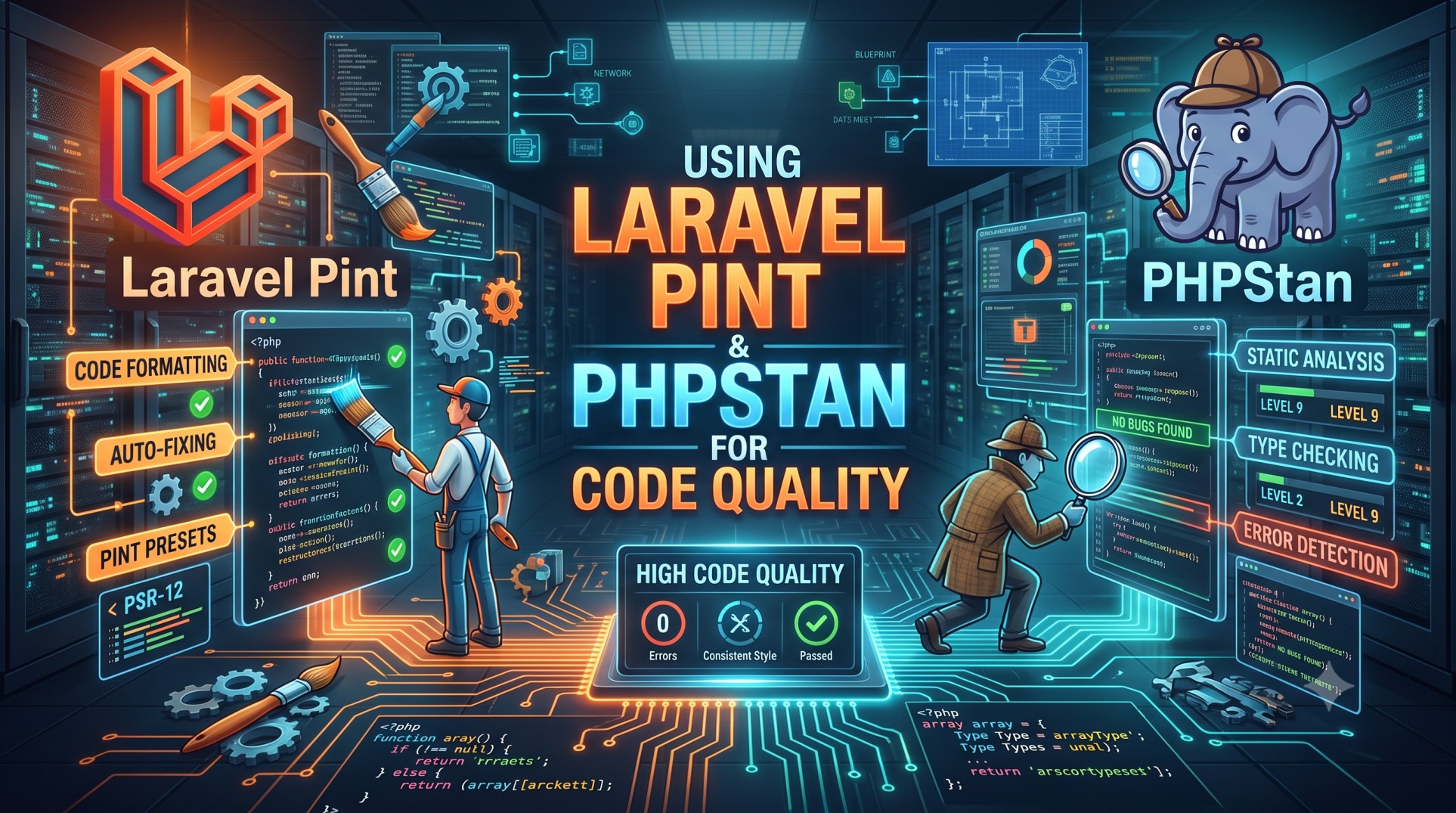
Maintaining high-quality code is one of the most crucial aspects of building and scaling modern web applications. For Laravel developers, two incredible tools—Laravel Pint and PHPStan—make this process smoother and more efficient. Pint helps maintain consistent coding styles, while PHPStan ensures that your code is logically sound and error-free. Together, they create a robust quality assurance setup for any Laravel project.
This article explores how Laravel Pint and PHPStan can significantly enhance your codebase, how to integrate them into your workflow, and why using them together is a game changer for Laravel developers.
Understanding Code Quality in Laravel
Code quality refers to how well your code adheres to clean coding standards, readability, maintainability, and performance. In Laravel projects, poor code quality often leads to technical debt, bugs, and longer development times. Ensuring consistent formatting, naming conventions, and type safety can dramatically reduce these issues.
Tools like Laravel Pint and PHPStan automate much of this work, saving developers time and preventing human error.
Laravel Pint: Code Style Made Simple
What Is Laravel Pint?
Laravel Pint is an official tool developed by the Laravel team that automatically formats your code to align with the Laravel coding standards. It is built on top of PHP-CS-Fixer, but simplified and optimized for Laravel projects. Pint focuses on maintaining uniformity in your codebase without requiring tedious manual styling efforts.
Installing Laravel Pint
Installing Pint is easy. You can add it to your Laravel project using Composer:
Once installed, you can run Pint by executing the following command in your terminal:
This command scans your Laravel project and fixes formatting issues automatically according to Laravel’s predefined rules.
Customizing Pint Configuration
While Pint works great out of the box, you can customize it by creating a pint.json configuration file in your project’s root directory. This file allows you to define your own rules, such as indentation, line length, or spacing preferences.
Example:
Why Laravel Pint Is Essential
-
Consistency Across Teams: Ensures all developers follow the same coding style.
-
Automatic Formatting: Saves time and avoids unnecessary code review comments about styling.
-
Cleaner Codebase: Keeps your project neat and readable.
-
Easy Integration: Works seamlessly with Git hooks or CI/CD pipelines.
PHPStan: Static Analysis for Smarter Code
What Is PHPStan?
PHPStan is a static analysis tool that examines your code without executing it. It detects potential bugs, incorrect types, and logical errors. Unlike runtime tests, PHPStan analyzes your code structure, ensuring type safety and reducing hidden issues before deployment.
Installing PHPStan
You can install PHPStan in your Laravel project using Composer:
Once installed, you can run it using:
By default, PHPStan scans the app directory, but you can configure it to include other folders like routes or database.
Configuring PHPStan
Create a phpstan.neon or phpstan.neon.dist file in your root directory to define your analysis level and include Laravel-specific extensions.
Example configuration:
The level parameter defines how strict the analysis should be (0–9, with 9 being the strictest).
Laravel-Specific Extensions
To enhance PHPStan’s understanding of Laravel’s structure, install Larastan, a PHPStan extension built for Laravel:
Then run the analysis using:
Larastan understands Laravel’s magic methods and helps PHPStan interpret Eloquent models, facades, and service containers accurately.
Benefits of Using PHPStan
-
Error Detection Before Execution: Catches issues before you even run the application.
-
Improved Type Safety: Ensures functions and properties are used correctly.
-
Fewer Production Bugs: Reduces runtime errors and logical issues.
-
Cleaner Refactoring: Provides confidence during major code changes.
Combining Laravel Pint and PHPStan
When used together, Laravel Pint and PHPStan cover both stylistic consistency and logical correctness in your Laravel project. Pint ensures that your code looks clean and follows conventions, while PHPStan ensures that it behaves correctly and adheres to type rules.
Integrating Both Tools in Development Workflow
-
Run Pint Automatically Before Commits:
Use Git hooks to execute Pint and automatically format code before committing changes.Example using Husky:
-
Add PHPStan in CI Pipelines:
Run PHPStan during CI builds to catch potential issues before merging. -
Combine with Laravel’s Test Suite:
Use PHPUnit, Pint, and PHPStan together for full-spectrum quality control. -
Automate Quality Checks:
Integrate both tools into your deployment pipeline using GitHub Actions or GitLab CI.
Example GitHub Actions Workflow
This setup automatically checks formatting and logic errors every time you push code or open a pull request.
Real-World Benefits for Teams
-
Time Savings: Developers spend less time fixing small issues during code reviews.
-
Reduced Merge Conflicts: Automated formatting reduces manual indentation and spacing differences.
-
Improved Code Confidence: PHPStan ensures functions, models, and controllers behave as expected.
-
Professional Standards: Projects maintain high-quality and readable codebases.
Best Practices for Code Quality
-
Keep your Pint and PHPStan configurations version-controlled for consistency.
-
Regularly run both tools locally before pushing code.
-
Use the strictest level of PHPStan your project can handle and improve gradually.
-
Combine with PHPUnit tests for complete code reliability.
-
Continuously refactor old codebases using Pint’s auto-fix feature to match modern standards.
Conclusion
Using Laravel Pint and PHPStan together can transform how you manage code quality in your Laravel projects. Pint ensures your codebase remains visually consistent, while PHPStan enforces logical correctness through static analysis. The combination creates a reliable, maintainable, and professional environment that minimizes bugs, enhances collaboration, and improves long-term scalability.
If you aim for cleaner code, faster development cycles, and fewer production issues, integrating these two tools is a must for every Laravel developer. By automating both style and logic validation, you can focus more on innovation and less on fixing minor code issues—ensuring your Laravel applications remain robust and future-ready.


