Securing Laravel APIs from SQL Injection & XSS
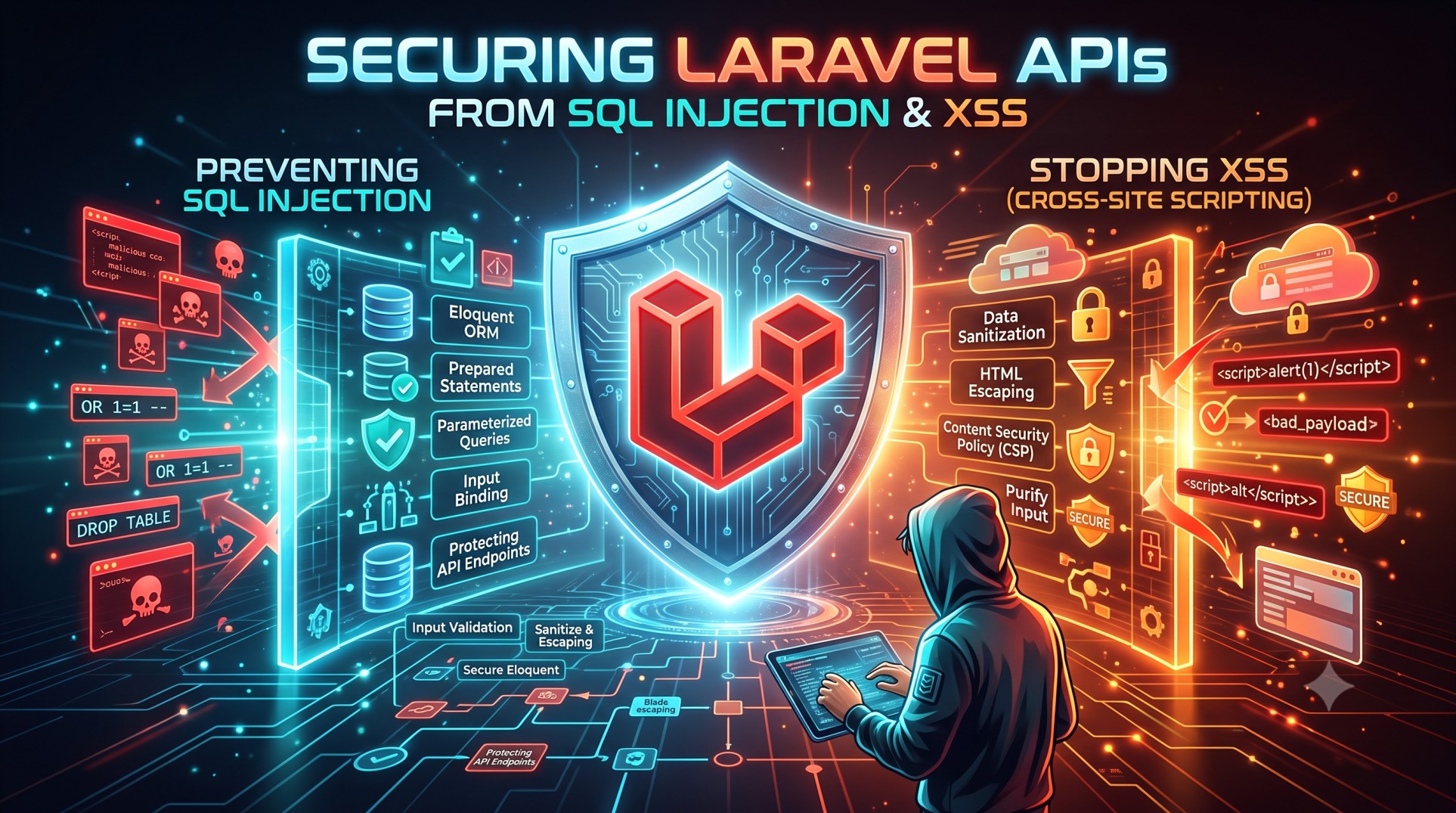
In the modern web landscape, API security is a top priority for developers and businesses alike. Laravel, with its powerful built-in features, provides a secure foundation to protect APIs from common vulnerabilities such as SQL Injection and Cross-Site Scripting (XSS). However, developers still need to follow best practices and understand how these attacks work to implement effective protection.
This blog explores how to secure Laravel APIs from SQL Injection and XSS, along with practical tips and strategies to ensure your application’s data remains safe.
Understanding Laravel API Security
Laravel is known for its elegant syntax and strong security mechanisms. It uses Eloquent ORM, CSRF protection, sanitization filters, and input validation to guard your application. But even with these safeguards, mistakes in coding practices or unvalidated inputs can open doors to attacks.
Why Security Matters for APIs
APIs handle sensitive data—user credentials, financial transactions, or personal information. Any vulnerability in the API layer can lead to data breaches, financial loss, and reputational damage. That’s why securing your Laravel API is not optional—it’s essential.
SQL Injection: The Silent Data Killer
What is SQL Injection?
SQL Injection is one of the oldest and most dangerous web vulnerabilities. It happens when attackers insert malicious SQL queries into input fields to manipulate your database.
For example, if you directly concatenate user input in a query, attackers can retrieve or delete sensitive data.
How Laravel Protects You by Default
Laravel’s Eloquent ORM and query builder automatically use prepared statements that prevent SQL Injection. When you use methods like where(), find(), or update(), Laravel safely escapes user input before executing queries.
Common Mistakes Leading to SQL Injection
Despite Laravel’s safety mechanisms, developers can still introduce risks. Here are some bad practices to avoid:
-
Writing raw SQL queries with unescaped input.
-
Using
DB::statement()orDB::select()without bindings. -
Concatenating user input directly into queries.
Best Practices to Prevent SQL Injection
-
Use Eloquent ORM or Query Builder
Laravel’s ORM ensures all queries are parameterized. Always prefer:instead of manually writing SQL statements.
-
Validate and Sanitize Input
Use Laravel’s Form Request Validation to enforce data types and constraints before processing user input. -
Avoid Direct Raw Queries
If you must use raw queries, always use bindings: -
Restrict Database Permissions
Ensure your database users have only the necessary privileges. Avoid using the root user for database connections.
Cross-Site Scripting (XSS): The Hidden Threat
What is XSS?
Cross-Site Scripting (XSS) allows attackers to inject malicious JavaScript into web pages or API responses. This can lead to stolen session cookies, hijacked accounts, or unauthorized actions on behalf of users.
In API-based systems, XSS can occur when APIs return unescaped HTML or when frontend frameworks render untrusted data without proper sanitization.
How Laravel Helps Prevent XSS
Laravel’s Blade template engine automatically escapes output using the {{ }} syntax, ensuring any injected script code is displayed as plain text rather than executed.
However, when returning JSON responses or using frontend frameworks like React or Vue, you must handle escaping and sanitization on both ends.
Common Mistakes That Invite XSS
-
Displaying user input without escaping.
-
Using
{!! !!}in Blade templates carelessly. -
Returning HTML content directly in API responses.
-
Not validating or sanitizing data before sending it to the frontend.
Best Practices to Prevent XSS
-
Use Escaped Output in Blade
Always use{{ $variable }}instead of{!! $variable !!}unless absolutely necessary. -
Sanitize User Input
Use PHP’s built-in functions likestrip_tags()or Laravel’s validation rules (string,regex,max) to clean inputs before saving them. -
Set Proper Content-Type Headers
APIs should return JSON responses with headers like:This prevents browsers from interpreting the response as HTML.
-
Use CSP (Content Security Policy)
Implementing a CSP in your headers can restrict the execution of inline scripts and mitigate XSS risks. -
Filter Input and Encode Output
Always validate inputs at the API layer and ensure output encoding is handled consistently in your frontend.
Additional Security Enhancements for Laravel APIs
1. Enable Laravel’s CSRF Protection
While CSRF doesn’t directly apply to token-based APIs, if your API is used within web sessions, enabling CSRF tokens ensures form submissions are legitimate.
2. Use Laravel Sanctum or Passport for Authentication
Both Laravel Sanctum and Passport provide secure token-based authentication mechanisms for APIs. Tokens prevent session hijacking and allow granular access control.
3. Implement Rate Limiting
Laravel includes rate limiting via the ThrottleRequests middleware. This prevents abuse of your API endpoints and mitigates brute-force attacks.
4. Use HTTPS
Always serve your API over HTTPS to encrypt data in transit and protect against man-in-the-middle (MITM) attacks.
5. Validate All Inputs Strictly
Use Laravel’s validation system to ensure every input field is clean, expected, and within acceptable limits. Never trust client-side validation alone.
6. Keep Dependencies Updated
Run composer update regularly and track Laravel’s security patches. Outdated dependencies can introduce vulnerabilities.
Monitoring and Logging Security Events
Monitoring plays a key role in maintaining API security. Laravel provides logging via Monolog, which can help detect suspicious activities, like repeated failed login attempts or unusual API usage.
You can integrate Laravel with tools like Sentry, Papertrail, or Laravel Telescope to capture detailed request and response data for auditing and threat analysis.
Conclusion
Securing your Laravel APIs against SQL Injection and XSS is about combining Laravel’s built-in protections with careful coding practices. Use Eloquent ORM and query builder to prevent SQL injection, and ensure all user input is sanitized and escaped to prevent XSS attacks.
Regularly review your API’s authentication flow, input validation, and output handling. Implement robust monitoring and logging to detect and mitigate threats early.


