Salesforce CPQ Setup Guide for SMBs
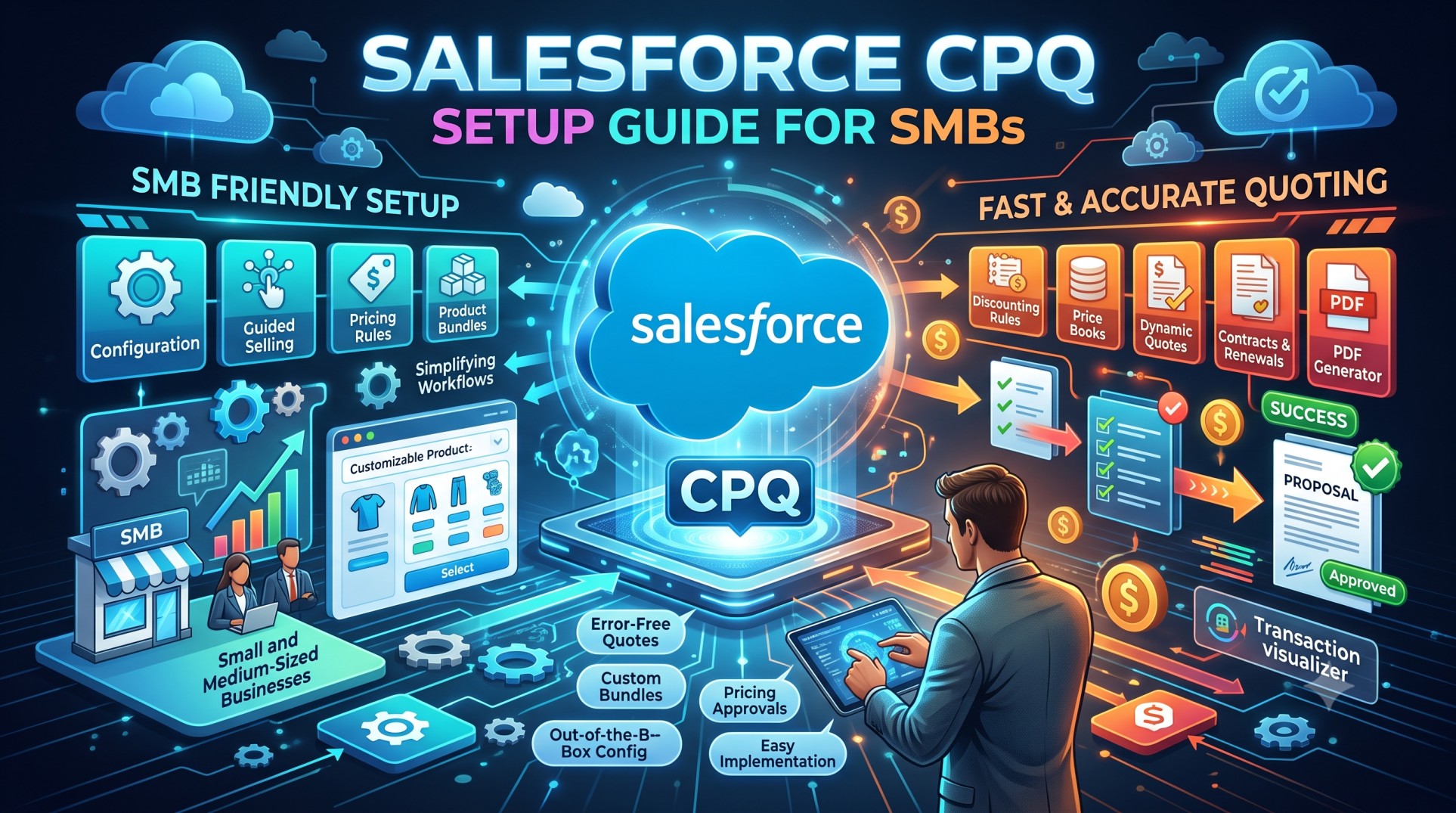
In recent years, small-to-medium businesses (SMBs) have accelerated digital transformation across sales processes. Manual quoting, spreadsheets, and inconsistent pricing models create operational bottlenecks and revenue leakage. Salesforce CPQ (Configure, Price, Quote) provides the structured framework SMBs need to standardize selling, increase deal velocity, and reduce human error. Once considered an “enterprise-only” tool, CPQ has evolved to become accessible and scalable for growing companies.
This guide walks you through how SMBs can successfully plan, configure, launch, and optimize Salesforce CPQ in 2025 without unnecessary complexity.
What Is Salesforce CPQ?
Salesforce CPQ helps sales teams configure product bundles, apply pricing rules, create quotes, generate proposals, and accelerate approvals—all inside Salesforce. It eliminates:
-
Spreadsheet-based pricing
-
Version confusion
-
Misquotes and manual errors
-
Inconsistent discounting
For SMBs, these improvements translate into faster deal cycles and predictable forecasting.
Why SMBs Need CPQ Now More Than Ever
1. Competition Has Intensified
Buyers expect fast, accurate quotes within hours—not days.
2. Revenue Leaks Are Real
Manual discounting or forgotten add-ons lead to lost profit.
3. Subscription Economy Growth
Recurring revenue models require structured renewals.
4. Hiring Junior Sales Staff
CPQ guides them so you don’t rely on tribal knowledge.
As SMBs scale, unstructured quoting becomes unsustainable.
Step 1: Define Your CPQ Strategy
Before clicking anything in setup, clarify:
-
What products do you sell?
-
How complex are your configurations?
-
Do you offer tiered pricing?
-
Which discounts are allowed?
-
Who must approve large quotes?
Documenting these ensures a smooth build.
Step 2: Prepare Your Product Catalog
Clean data is the foundation of CPQ. Start by organizing:
-
SKUs
-
Descriptions
-
Base prices
-
Product families
-
Active/inactive statuses
Avoid unnecessary complexity. Only include what you truly sell today.
Product Bundles
Group together:
-
Hardware + warranty
-
Software license + onboarding
-
Service packages
Bundles increase deal size and reduce quoting friction.
Step 3: Set Up Price Books and Pricing Models
Salesforce CPQ supports:
-
List pricing
-
Cost-plus pricing
-
Block pricing
-
Subscription pricing
-
Usage-based pricing
SMBs often start with simple list + volume discounts, then evolve as they grow.
Use separate price books if you:
-
Sell to different regions
-
Have partner pricing tiers
Step 4: Define Discounting Rules
Uncontrolled discounting is a silent margin killer.
Salesforce CPQ allows you to enforce:
-
Discount caps by role
-
Pre-approval for special deals
-
Automatic volume discounts
This protects revenue while maintaining sales flexibility.
Step 5: Configure Product Rules
Product rules prevent sales reps from quoting incompatible components or forgetting required add-ons.
Examples:
-
If customer buys a software license → add onboarding
-
If hardware model X → require power adapter
This ensures accuracy and avoids support headaches later.
Step 6: Build Quote Templates
Quote templates control how proposals look. SMBs often require:
-
Customer details
-
Pricing summary
-
Terms and conditions
-
Product descriptions
-
Optional line items
A well-designed template reflects professionalism and brand strength.
In 2025, dynamic templates allow:
-
Conditional sections
-
Multi-currency formatting
-
Automatic legal disclaimers
Step 7: Implement Approval Workflows
SMBs often lack structured governance, leading to risky deals. CPQ approval processes can enforce:
-
Discount thresholds
-
Multi-level review
-
Cross-department oversight
Use:
-
Manager approvals for >15% discount
-
Finance approvals for >$50k deals
Approvals run on Salesforce’s native flow engine, reducing admin overhead.
Step 8: Set Up Subscription & Renewal Management
Recurring revenue models require disciplined renewals.
CPQ automates:
-
Renewal quotes
-
Term extensions
-
Add-on services
-
Upgrade pricing
SMBs can drastically reduce churn with structured renewals.
Step 9: Add Optional Upgrades and Cross-Sell Opportunities
Using optional products, sales reps can offer:
-
Upgraded support plans
-
Add-on storage
-
Premium seats
-
Training packages
Average order value increases instantly.
Step 10: Integrate e-Signature Providers
Salesforce CPQ integrates with:
-
DocuSign
-
Adobe Sign
-
Conga Sign
Embedding the e-signature step:
-
Speeds cycles
-
Improves legal compliance
-
Eliminates print/scan delays
Most SMB deals close faster when quoting and e-signing remain in one workflow.
Step 11: Launch CPQ with Proper Training
Even the best system fails without user adoption.
Train:
-
Sales reps
-
Operations staff
-
Finance approvers
Provide:
-
Quick-start cheat sheets
-
Guided demos
-
Sandbox practice time
Avoid the temptation to deploy overnight without preparation.
Performance Tips for SMBs in 2025
Keep Product Rules Simple
Complex rules degrade performance.
Limit Custom Code
Rely on:
-
Native pricing rules
-
Summary variables
-
Price conditions
Avoid Too Many Template Sections
Large templates slow rendering on mobile.
Archive Inactive SKUs Quarterly
Clean catalogs accelerate quote screens.
Integrating CPQ With Other Tools
For SMBs, integration can unlock major efficiencies.
Integration Possibilities:
-
ERP inventory checks
-
Accounting invoices
-
Payment processors
-
Subscription billing systems
In 2025, API connectors are easier, especially for QuickBooks and NetSuite.
Analytics & Forecasting Benefits
With CPQ quotes in the system, you gain instant insights:
-
Win rates per product
-
Discount trends
-
Average deal cycles
-
Most profitable bundles
Revenue leaders can fine-tune pricing based on real behavior—not guesses.
Common Mistakes SMBs Make When Implementing CPQ
Over-engineering rules on day one
Importing outdated catalog items
Giving unlimited discount powers
Not involving finance/legal in template design
Ignoring renewal automation
Avoiding these saves time and cost.
Phased Deployment Approach
Successful SMB implementations roll out CPQ in phases:
Phase 1: Core products, pricing, templates
Phase 2: Bundles, discount logic
Phase 3: Approvals & renewals
Phase 4: Advanced rules + integrations
Phasing keeps complexity manageable.
When to Consider External Help
You may need a consultant if:
-
Your product catalog exceeds 500 SKUs
-
Pricing varies regionally
-
Your discount rules are multi-tiered
-
You plan to integrate ERP workflows
Implementation experts accelerate time-to-value and reduce costly rework.
Costs to Expect (SMB Perspective)
Costs typically include:
-
CPQ licenses
-
Implementation services
-
Training
-
Renewal management add-ons
However, the return on investment is usually immediate thanks to:
-
Faster sales cycles
-
Higher deal accuracy
-
Reduction in manual admin tasks
Signs Your SMB Is Ready for CPQ
You should consider CPQ when:
-
Quotes exceed 50/month
-
Reps frequently misquote
-
Approvals take too long
-
Renewal revenue is slipping
-
New sales reps struggle with product knowledge
CPQ reduces reliance on institutional memory.
Future Trends SMBs Should Know (2025+)
AI-Assisted Configuration
Einstein Recommendation suggests:
-
Bundles based on industry
-
Discount strategies per buyer persona
Usage-Based Billing Surge
IoT and SaaS metrics require flexible quoting models.
Quote Versioning Enhancements
Track why deals were lost or delayed.
Mobile-Optimized Quoting
Field sales teams quote customers on the spot.
Salesforce invests heavily in these directions.
Conclusion
Salesforce CPQ empowers SMBs with enterprise-grade quoting processes while keeping configuration complexity manageable. By defining product catalogs cleanly, using pricing rules strategically, automating approvals, and enabling renewals, CPQ dramatically improves efficiency and revenue predictability.
When deployed thoughtfully, CPQ becomes more than just a quoting tool—it becomes the backbone of your revenue operations.
SMBs willing to invest early enjoy:
-
Fewer pricing errors
-
Higher margins
-
Faster deal cycles
-
Consistent customer experience
It’s not about selling more—it's about selling smarter.


