Salesforce API Integration with PHP/Laravel
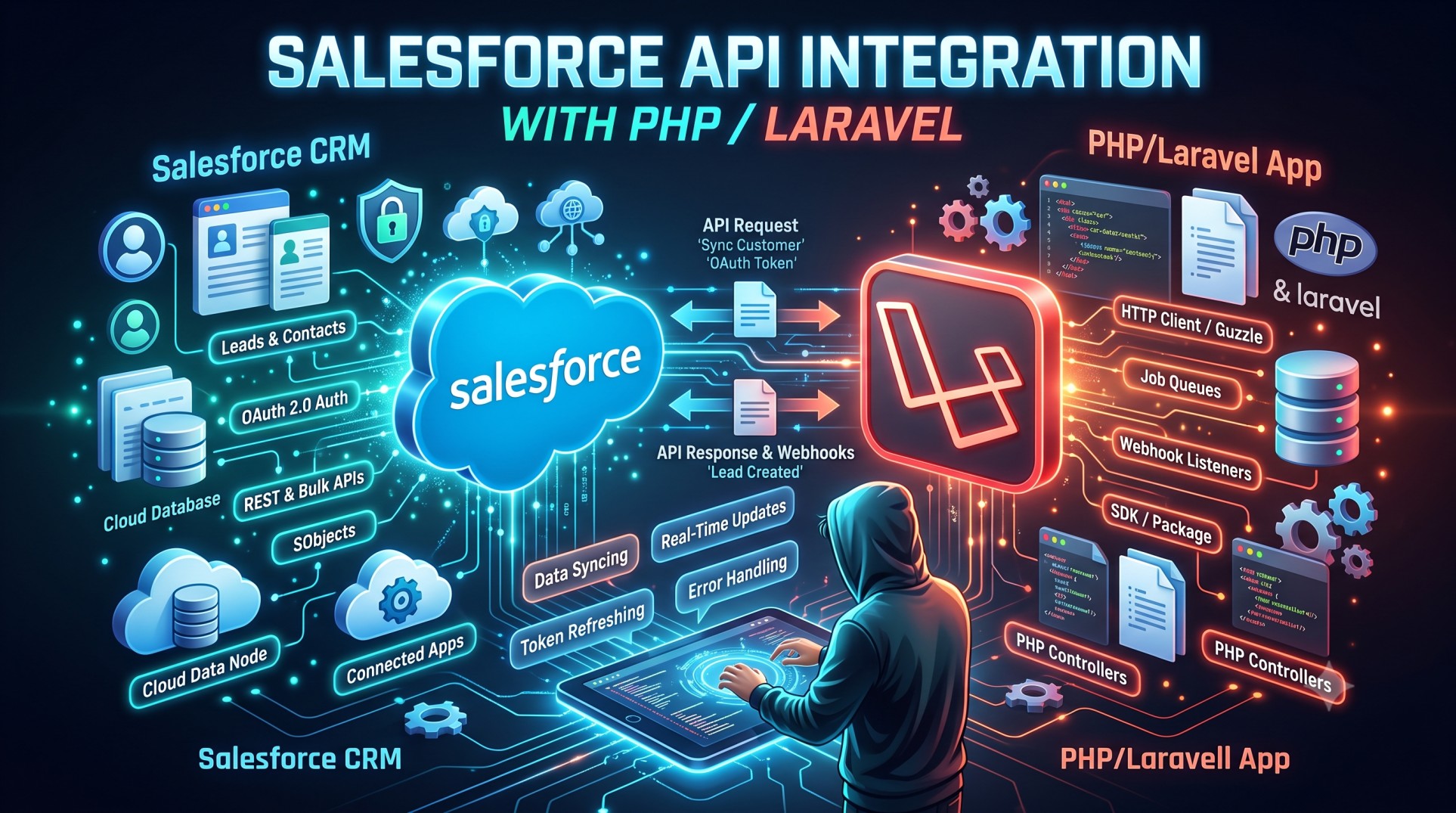
Modern businesses run on data. Whether you are managing leads, syncing customer information, automating quotes, or enriching CRM insights, Salesforce remains the world’s leading cloud CRM platform. But Salesforce becomes exponentially more powerful when connected to your existing applications—especially Laravel-powered systems used for portals, operational dashboards, or internal tools.
In 2025, Salesforce continues expanding its APIs, OAuth improvements, and integration tooling, making it easier for PHP developers to build secure and scalable data flows. If you’re planning to integrate Salesforce with a Laravel application, this guide explores architecture, authentication strategies, recommended libraries, the difference between REST and SOAP APIs, data syncing best practices, and real business use cases.
Why Integrate Salesforce with Laravel?
Laravel is popular for enterprise-grade backend applications due to its expressive syntax, queue support, caching layer, and command bus. Combining Laravel with Salesforce enables:
Automated lead generation from website forms
Bi-directional data sync for accounts, contacts, and opportunities
Custom dashboards unavailable in Salesforce reports
Integration with e-commerce operations and inventory systems
Background processing using queues and webhooks
Essentially, Salesforce acts as the single source of truth for customer data, while Laravel provides custom logic, microservices, and UI flexibility.
Understanding Salesforce API Options
Salesforce provides multiple APIs. Choosing the correct one drives performance and cost effectiveness.
1. REST API
Modern, lightweight, JSON-based. Best for:
-
Mobile apps
-
Web dashboards
-
Quick read/write operations
2. SOAP API
XML-based, more rigid. Typically used for:
-
Legacy ERP integrations
-
Enterprise workflows requiring strict typing
3. Bulk API
Designed for massive data loads, like:
-
Importing thousands of leads
-
Syncing nightly database snapshots
4. Streaming API
Event-driven. Excellent for:
-
Real-time notifications
-
Inbound sync triggers
5. GraphQL API (Pilot Enhancements in 2025)
More efficient querying and relationship resolution.
For Laravel projects, REST and Bulk APIs are the most common choices in 2025.
Authentication: OAuth 2.0 is King
Salesforce supports:
-
OAuth Web Server Flow
-
OAuth JWT Bearer Flow
-
Username-Password Flow (not recommended for production)
OAuth Web Server Flow is used when authentication requires user consent.
JWT Flow is ideal for headless/background integrations.
Laravel’s built-in Passport compatibility and middleware allow you to:
-
Securely store tokens
-
Refresh sessions
-
Prevent credential leakage
-
Restrict endpoint access
Always store secrets in .env, never in code.
Recommended Laravel Integration Libraries (2025 Updated)
Omniphx/forrest has historically been the go-to package, offering:
-
Authentication helpers
-
Query builder interface
-
Refresh token support
However, many teams in 2025 use Guzzle directly to reduce overhead and improve performance. Enterprises needing higher throughput often build custom service classes rather than relying on libraries.
Data Modeling Considerations
Salesforce objects (SObjects) include:
-
Standard Objects (Lead, Contact, Opportunity)
-
Custom Objects (
__csuffix)
When syncing data to Laravel models:
-
Match field types carefully
-
Normalize phone/address formats
-
Handle null/empty values gracefully
Keep in mind Salesforce rate limits. A poorly designed integration can exceed API quotas, causing application downtime.
Handling Rate Limits & Performance
Salesforce enforces:
-
Daily API call limits
-
Concurrency caps
To avoid issues:
Queue Workers
Use Laravel’s queue workers (Redis or SQS) to:
-
Spread requests over time
-
Avoid bursting API consumption
Caching
Cache Salesforce responses such as:
-
Object metadata
-
Picklist values
-
Profile permissions
Bulk API
Use Bulk API for mass imports:
-
Nightly CRM sync
-
Marketing list updates
Storing Salesforce Credentials Securely
Follow these practices:
-
Store secrets in environment variables
-
Encrypt token storage
-
Rotate keys quarterly
-
Audit logs regularly
Laravel’s encryption helpers simplify secure storage.
Real-Time Salesforce → Laravel Communication
Salesforce can publish events using:
-
Platform Events
-
Change Data Capture (CDC)
Laravel can subscribe to these using webhook endpoints.
This allows:
-
Instant lead assignment
-
Real-time pipeline dashboards
-
Sales alerts in Slack
2025 enhancements improved event replayability, reducing missed messages.
Use Cases: When Salesforce-Laravel Integration Shines
1. Customer Portals
Clients log into a Laravel portal but view:
-
Cases
-
Order status
-
Contracts
Pulled live from Salesforce.
2. Marketing Automation
Leads submitted from web forms:
-
Hit Laravel first
-
Are validated
-
Converted to Salesforce Leads
3. Quote Management
Lightning CPQ data can be synced to Laravel quoting engines to produce:
-
PDFs
-
Approval workflows
4. Support Workflows
Cases created in Salesforce trigger:
-
Technician task assignment
-
Stock reservation
Laravel orchestrates internal operations.
Versioning & API Deprecations in 2025
Salesforce retires older API versions annually. Developers must:
-
Track version announcements
-
Update integration endpoints
-
Test monthly Salesforce releases
Release management matters.
Error Handling & Logging
Use Laravel’s:
-
Monolog integrations
-
Sentry or Bugsnag hooks
-
Structured exception handlers
Always log:
-
Request payloads
-
Response codes
-
Retry attempts
Avoid logging credentials.
Testing Strategies
Salesforce sandbox environments allow safe testing:
-
Developer Sandbox
-
Full Copy Sandbox
-
Scratch Orgs (via SFDX)
Laravel’s automated tests should verify:
-
OAuth handshake success
-
Proper error codes
-
Field mapping accuracy
Mocking Salesforce responses reduces API consumption during testing.
Security Best Practices in 2025
-
Enforce IP Restrictions
-
Rotate JWT certificates
-
Disable password-based integrations
-
Enable Salesforce Shield if available
GDPR & SOC2 compliance expectations continue to rise.
Documentation & API Usage Governance
Always produce:
-
API maps
-
Field dictionaries
-
Rate limit thresholds
-
Data direction diagrams
Enterprise IT teams need clarity.
Emerging Trends
In 2025, we see growth in:
-
Salesforce Data Cloud integrations
-
Einstein AI data enrichment APIs
-
Event-driven architectures using CDC
-
Microservice patterns layered on Laravel
Developers building deeply integrated ecosystems benefit from these trends.
Should You Use Middleware?
Yes. Laravel middleware can:
-
Validate API requests
-
Manage token expiration
-
Block malformed payloads
It keeps controllers clean and concerns separated.
Deployment Considerations
When deploying on:
-
AWS
-
DigitalOcean
-
Render
Ensure outbound connectivity to Salesforce endpoints. Monitor firewall rules and TLS versions.
Conclusion
Integrating Salesforce with Laravel unlocks deep operational efficiency—automated lead management, real-time dashboards, quote workflows, and unified customer views. With proper authentication, token management, queueing strategies, and rate limit handling, developers can build enterprise-grade integrations that scale securely.
As Salesforce continues evolving APIs and event architectures in 2025, Laravel remains one of the most flexible frameworks to orchestrate external logic and specialized UI experiences.
Whether you're building simple lead capture or a complex bidirectional microservice, this integration skill set is more relevant than ever.


