PHP Security Best Practices for 2025
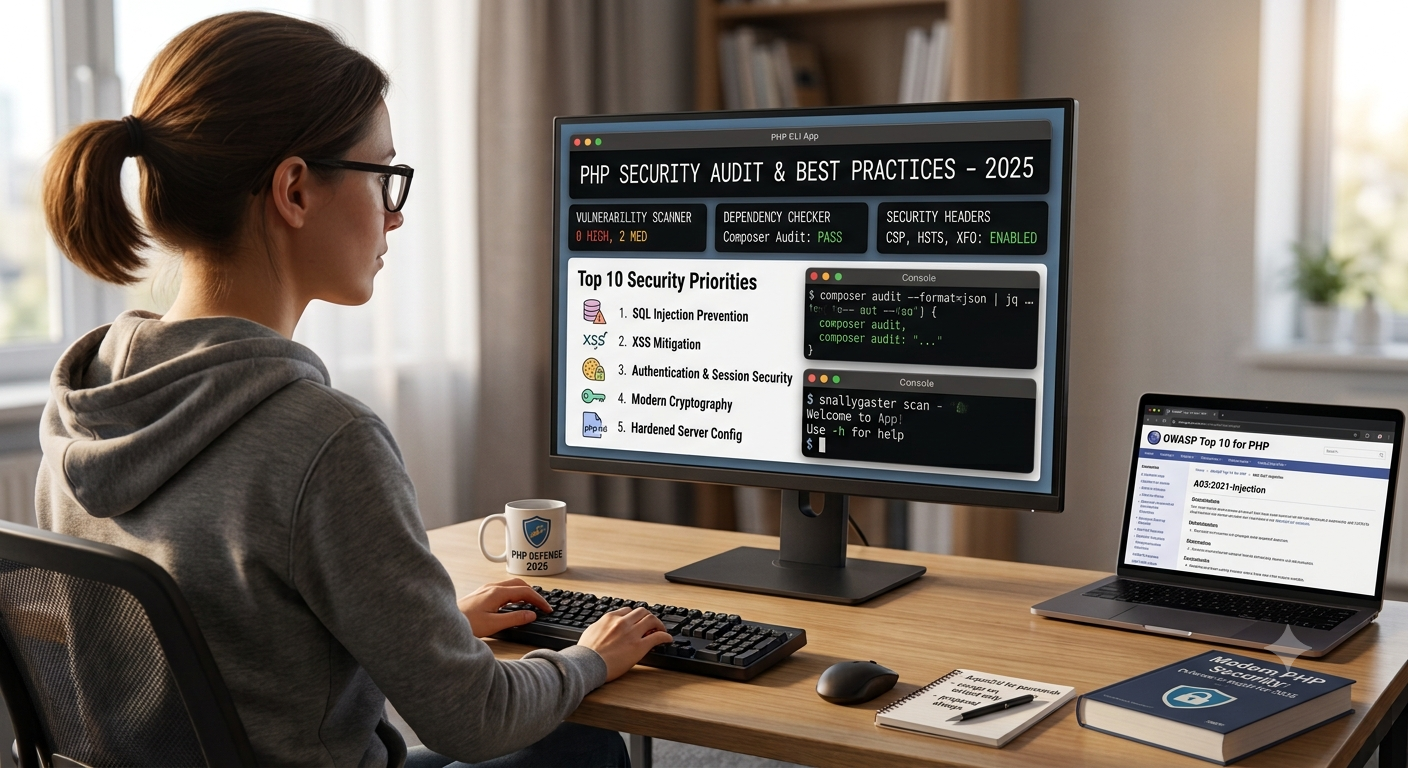
In today’s fast-paced digital world, security is no longer optional — it’s essential. PHP, one of the most widely used server-side scripting languages, powers millions of websites worldwide. As cyber threats continue to evolve in 2025, developers must stay ahead by adopting modern PHP security practices. This guide will walk you through the most effective strategies to protect your PHP applications from vulnerabilities, breaches, and unauthorized access.
Why PHP Security Matters in 2025
With PHP powering nearly 75% of dynamic websites, it’s a top target for hackers. Common attacks such as SQL injection, cross-site scripting (XSS), cross-site request forgery (CSRF), and remote code execution continue to pose threats. Moreover, the increased integration of APIs, cloud-based systems, and AI-powered tools in PHP projects demands stronger and smarter security measures.
As of 2025, PHP 8.3+ introduces enhanced features and performance optimizations, but the responsibility to write secure code still lies with developers. Understanding and implementing security best practices is the first step toward building resilient, trustworthy applications.
1. Keep PHP and Dependencies Updated
One of the simplest yet most overlooked security measures is keeping PHP and its dependencies up to date. Older versions often contain vulnerabilities that attackers exploit.
-
Always use the latest stable PHP version (8.3+) for better performance and improved security.
-
Update all frameworks, plugins, and third-party libraries via Composer regularly.
-
Subscribe to official PHP and library mailing lists for security patch alerts.
Staying current ensures that your code benefits from the latest encryption methods, bug fixes, and defense mechanisms.
2. Validate and Sanitize User Input
Never trust user input — that’s a golden rule in PHP development. User data should always be validated and sanitized before processing or storing it.
Validation
Check if the data type, format, and length are correct before using it in your application.
Sanitization
Remove unwanted or malicious characters to prevent XSS or code injection.
Proper validation and sanitization drastically reduce the risk of attacks stemming from untrusted input.
3. Use Prepared Statements for Database Queries
SQL injection remains one of the most dangerous security threats. Using prepared statements ensures that SQL queries are safely executed without mixing user input directly into the query.
Prepared statements prevent attackers from manipulating SQL syntax, thereby securing your database interactions.
4. Protect Against Cross-Site Scripting (XSS)
XSS attacks occur when malicious scripts are injected into web pages viewed by other users. To prevent this:
-
Escape all output using
htmlspecialchars()before displaying user-generated data. -
Use content security policies (CSP) in headers to restrict JavaScript execution.
-
Avoid directly inserting user data into HTML, CSS, or JavaScript code.
Implementing these measures can stop attackers from stealing cookies, sessions, or sensitive data.
5. Secure Sessions and Cookies
Sessions are vital for user authentication, but they can be hijacked if not secured properly.
-
Use
session_start()only over HTTPS. -
Set secure and HttpOnly flags on cookies:
-
Regenerate session IDs after login to prevent fixation attacks.
-
Store minimal sensitive data in sessions.
Proper session management ensures that only authorized users maintain access throughout their session duration.
6. Implement Strong Password Hashing
Storing plain-text passwords is a fatal mistake. PHP provides secure password hashing functions to protect user credentials.
-
Always use
password_hash()andpassword_verify()functions. -
Avoid MD5 or SHA1 hashing — they are outdated and easily crackable.
This ensures that even if the database is compromised, the attacker cannot easily retrieve original passwords.
7. Enable HTTPS Everywhere
An SSL/TLS certificate ensures encrypted communication between the server and clients. It protects sensitive information such as login details and payment data.
-
Redirect all HTTP requests to HTTPS.
-
Use modern TLS protocols (TLS 1.3).
-
Regularly renew and validate certificates.
Many hosting providers now offer free SSL via Let’s Encrypt, making HTTPS implementation easy and cost-effective.
8. Avoid Displaying Detailed Error Messages
Error messages can unintentionally expose sensitive information, such as file paths or database details.
-
In production, disable error display:
-
Log errors privately for debugging while keeping them hidden from users.
Controlled error handling prevents attackers from gaining insights into your system’s structure.
9. Protect Against Cross-Site Request Forgery (CSRF)
CSRF attacks trick authenticated users into performing unwanted actions. To prevent them:
-
Use unique CSRF tokens in all form submissions.
-
Verify tokens on the server side before processing the request.
-
Restrict sensitive operations to POST requests only.
Many modern PHP frameworks, such as Laravel and Symfony, include built-in CSRF protection mechanisms — use them effectively.
10. Secure File Uploads
Allowing file uploads without strict validation can open doors to remote code execution attacks.
-
Check MIME type and file extension before saving.
-
Rename uploaded files and store them outside the web root.
-
Restrict file size and type to safe formats (e.g.,
.jpg,.pdf).
Following these rules keeps your server safe from malicious files.
11. Limit Access with Proper Permissions
Set appropriate file and directory permissions on your server:
-
Files:
644(readable by everyone, writable by owner). -
Directories:
755(executable by everyone, writable by owner). -
Never set permissions to
777, which allows anyone to modify your files.
Limiting access ensures only authorized users or processes can modify or execute files.
12. Use a Web Application Firewall (WAF)
A WAF filters and monitors HTTP requests between your web application and the internet. It helps block attacks such as SQL injection, XSS, and brute-force attempts.
-
Consider solutions like Cloudflare WAF or ModSecurity.
-
Keep your WAF rules updated regularly.
This extra layer of defense significantly reduces attack surfaces and strengthens your PHP application’s overall security.
13. Regular Security Audits and Penetration Testing
Security is not a one-time task. Regularly audit your PHP application to identify potential weak points.
-
Use automated scanners (e.g., OWASP ZAP, Acunetix).
-
Conduct manual code reviews and penetration testing.
-
Keep logs of all suspicious activities for quick response.
Continuous testing ensures that your app stays resilient against emerging threats.
Conclusion
In 2025, web application security demands more attention than ever before. With cyber threats growing in sophistication, PHP developers must proactively implement robust protection strategies. From sanitizing inputs to enforcing HTTPS and using secure password hashing, every measure plays a crucial role in strengthening your PHP application.
Remember: security is a continuous process, not a one-time fix. Stay updated with PHP’s latest security recommendations, leverage modern tools, and regularly audit your systems. By adhering to these best practices, you’ll build not only high-performing but also highly secure PHP applications that users can trust.


