Managing Roles & Permissions with Spatie Package
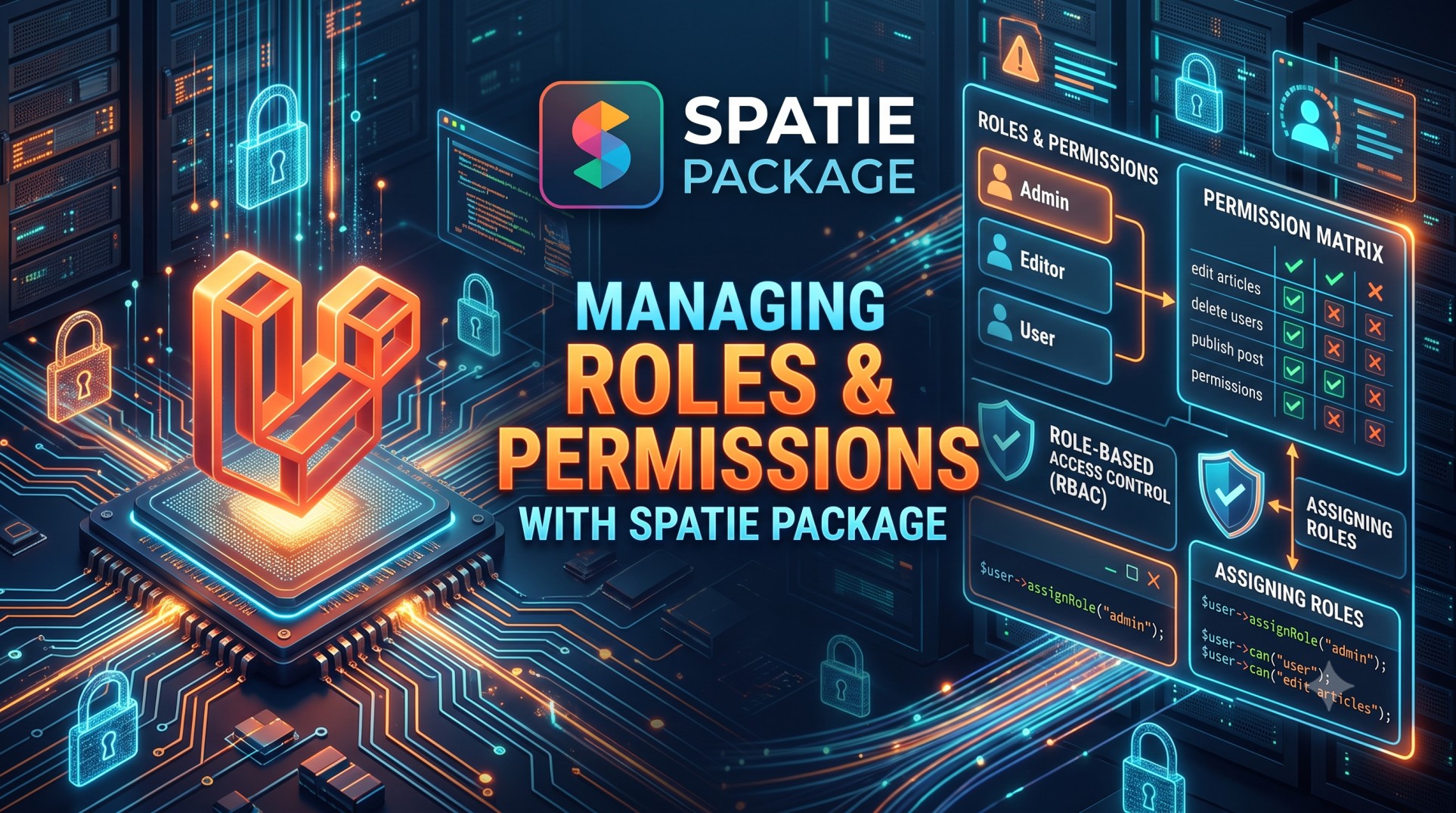
When developing large-scale web applications, controlling user access is one of the most important aspects of maintaining security and organization. Whether you’re managing a small admin panel or a full-featured SaaS platform, properly handling roles and permissions ensures that users can only access what they’re authorized to.
The Spatie Laravel Permission package is one of the most widely used solutions for managing roles and permissions in Laravel. It provides an elegant, flexible, and easy-to-use approach for assigning roles and permissions to users. In this blog, we’ll explore how this package works, its benefits, and best practices to implement a scalable authorization system.
What is the Spatie Permission Package?
The Spatie Laravel Permission package is a well-maintained open-source library that integrates seamlessly with Laravel’s built-in authorization features. It allows you to easily create roles, assign permissions, and manage access control throughout your application using a database-driven approach.
Key Features of Spatie Laravel Permission
-
Role-based and permission-based authorization
-
Middleware support for protecting routes
-
Blade directives for view-level control
-
Compatibility with Laravel policies and guards
-
Caching support for performance optimization
With Spatie, you don’t need to reinvent the wheel — it provides a clean and extensible structure to handle authorization in your Laravel app.
Why Use Spatie for Roles and Permissions?
Many developers start with simple authorization logic using condition checks or policies, but as the application grows, managing access manually becomes complex.
The Spatie package solves this by:
-
Making role and permission management centralized and database-driven
-
Allowing dynamic updates without code changes
-
Offering built-in Laravel support with middleware and artisan commands
-
Supporting multi-guard authentication
Essentially, it helps you maintain a cleaner, more scalable access control structure that’s easy to modify and audit.
Installing the Spatie Laravel Permission Package
Getting started with Spatie is straightforward.
Step 1: Install via Composer
Run the following command:
Step 2: Publish and Run Migrations
After installation, publish the configuration and migration files:
This creates three essential tables in your database:
-
roles -
permissions -
model_has_roles,model_has_permissions, androle_has_permissions
These tables store the relationships between users, roles, and permissions.
Step 3: Add the Trait to Your User Model
Add the HasRoles trait to your User model:
This enables role and permission functionality on your users.
Creating Roles and Permissions
With the package installed, you can now start creating roles and permissions using artisan commands or directly in your code.
Creating Roles
You can create a role with:
Creating Permissions
Permissions define specific actions users can perform.
Assigning Roles and Permissions
Once roles and permissions are created, you can assign them to users:
You can also attach permissions to roles:
This makes it easy to manage what each role can do within your system.
Checking Roles and Permissions
Laravel provides expressive methods for checking roles and permissions in your controllers or Blade templates.
In Controllers
You can check if a user has a specific role or permission:
In Blade Templates
Spatie provides Blade directives for view-level authorization:
This improves code readability and helps ensure access control at both backend and frontend levels.
Protecting Routes with Middleware
Spatie integrates seamlessly with Laravel’s middleware, allowing you to restrict routes based on roles and permissions.
You can define middleware like this:
You can also combine roles and permissions:
This ensures that only users with appropriate access can reach sensitive areas of your application.
Managing Roles Dynamically
One of the biggest advantages of using Spatie is that roles and permissions can be managed dynamically from an admin panel.
You can build simple CRUD interfaces to:
-
Create new roles and permissions
-
Assign or revoke permissions from roles
-
Assign roles to users
This makes it easy for administrators to update access policies without touching the codebase.
Using Guards for Multi-Auth Systems
If your application uses multiple authentication guards (e.g., web and api), Spatie supports defining roles and permissions for each guard separately.
In your config/permission.php, you can specify which guard to use. This feature is extremely helpful for applications with separate front-end and API authentication layers.
Caching for Performance
Since permissions can be checked frequently, Spatie includes caching to boost performance. When you modify roles or permissions, clear the cache to apply changes:
This ensures your authorization data remains up-to-date without slowing down your application.
Best Practices for Role & Permission Management
-
Keep roles minimal: Avoid creating too many overlapping roles. Group permissions logically.
-
Use permissions for granular access: Let roles define broader scopes and permissions handle specific actions.
-
Use middleware for route security: Always apply middleware to protect sensitive routes.
-
Leverage Blade directives: Prevent unauthorized elements from showing in the UI.
-
Audit and log changes: Keep track of who assigns or revokes permissions for better accountability.
-
Combine with Laravel Policies: For complex logic, policies can work alongside Spatie’s permission checks.
Example Use Case
Imagine you’re building a content management system (CMS) with three user roles:
-
Admin: Can manage users and content.
-
Editor: Can create and edit content but not delete users.
-
Viewer: Can only read content.
You can easily define permissions like:
-
create articles
-
edit articles
-
delete articles
-
manage users
Assigning these to roles ensures that each user’s access aligns with their responsibilities — maintaining both security and simplicity.
Troubleshooting Common Issues
Roles or Permissions Not Found
Ensure you’ve migrated the database and cleared the permission cache using:
Middleware Not Working
Check that the middleware is registered in app/Http/Kernel.php.
Guard Mismatch
If using multiple authentication guards, ensure your roles and permissions share the correct guard name.
Advantages of Spatie Laravel Permission
-
Simplicity: Quick to install and configure.
-
Flexibility: Supports roles, permissions, and multi-guard setups.
-
Integration: Works smoothly with Laravel’s authorization and policies.
-
Performance: Built-in caching mechanism for faster checks.
-
Maintainability: Centralized and database-driven approach.
By leveraging Spatie’s package, you ensure your application remains secure, organized, and easy to manage as it scales.
Conclusion
Managing roles and permissions is a crucial part of application security, especially as your user base and feature set grow. The Spatie Laravel Permission package simplifies this task, giving you a clear, structured, and efficient way to handle access control.
From defining roles to assigning permissions, protecting routes, and building dynamic admin panels, Spatie’s solution provides everything you need for a professional authorization system.
If you’re working on a Laravel project that requires multiple user levels, integrating Spatie Permission is one of the smartest and most future-proof decisions you can make. It keeps your application secure, scalable, and maintainable — exactly what every modern web application needs.


