Managing Large Data Volumes in Salesforce
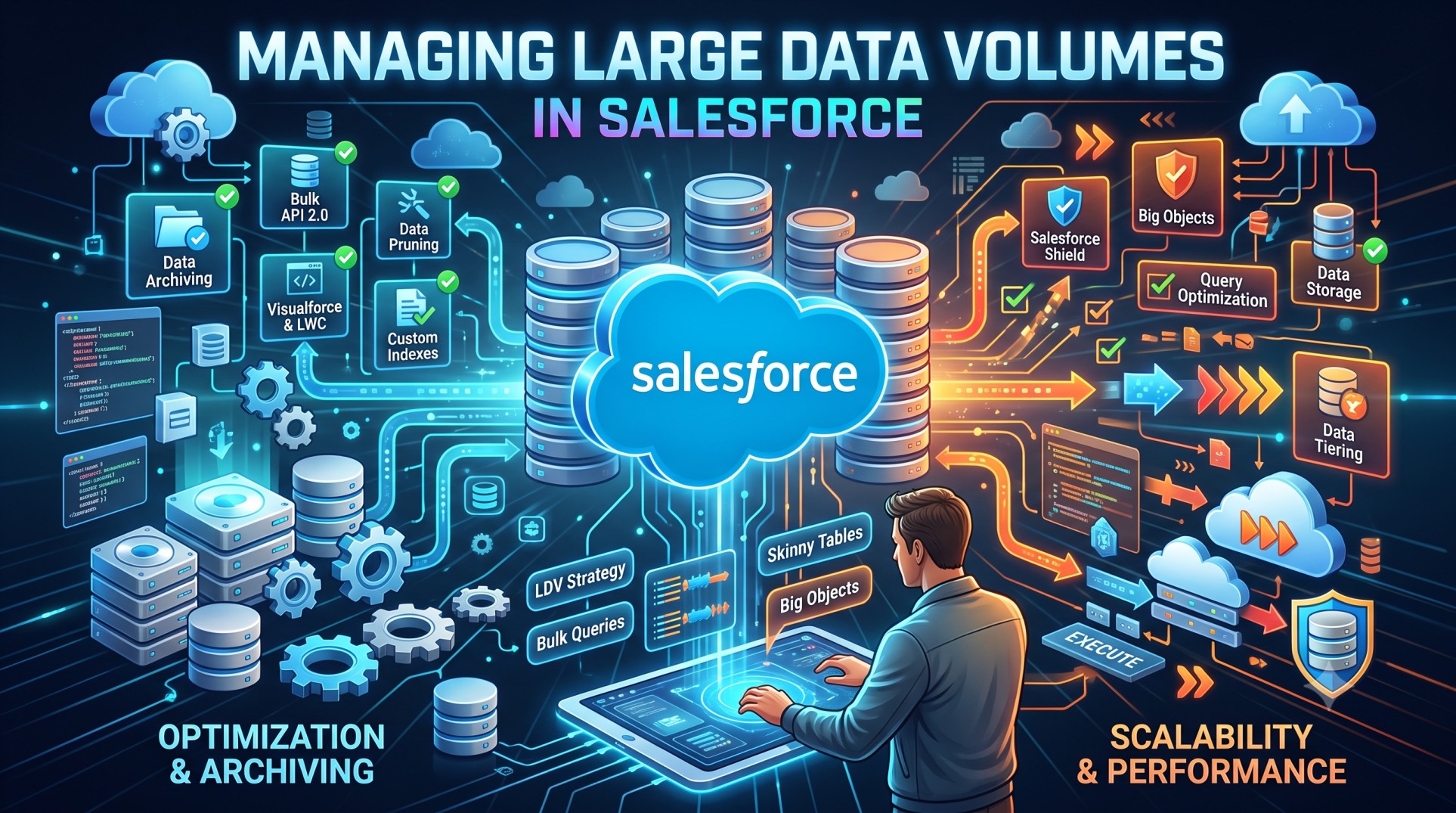
As enterprises scale digitally, Salesforce often becomes the central hub for customer operations, case management, and sales intelligence. But as data grows, performance challenges emerge. Companies migrating from older CRMs or importing data over many years can suddenly face millions of records across Accounts, Contacts, Opportunities, and custom objects.
Managing large data volumes in Salesforce isn’t simply about storage—it’s about maintaining platform performance, ensuring data quality, avoiding governor limits, and enabling reliable reporting. In 2025, Salesforce continues to introduce automation enhancements, Data Cloud updates, and more efficient APIs, but core data management fundamentals remain essential. This guide will help you navigate strategies, patterns, and tools to handle large data volumes intelligently.
What Counts as Large Data Volume?
Salesforce considers LDV (Large Data Volumes) when record counts exceed:
-
5+ million records per object
-
Complex relationships across objects
-
High transactional load (e.g., constant updates)
Even at 2–3 million records, admins can begin noticing:
-
Slower SOQL queries
-
Longer report run times
-
Batch Apex failures
-
Indexing issues
LDV is about both size and behavior.
Challenges of Large Data Volumes
When data grows, organizations face:
1. Performance Degradation
Queries slow down; users wait longer for screens to load.
2. Increased Storage Cost
Salesforce storage is expensive compared to external databases.
3. Governor Limits
Bulk DML operations can quickly hit limits.
4. Reporting Slowdowns
Dashboards timeout, requiring filters or extracts.
5. Data Quality Issues
Duplicate records multiply faster.
Understanding these challenges is the first step to solving them.
Core Strategies for Managing Large Data Volumes
Modern Salesforce implementations rely on a blend of data modeling, indexing, query optimization, and archiving. Let’s explore these approaches in detail.
1. Data Modeling Optimization
Poor schema decisions often surface when data grows.
Denormalization Might Help
Unlike traditional relational databases, Salesforce performance improves when:
-
Data is flattened
-
Lookups are minimized
-
Wide objects are avoided
Excessive relationships slow your queries dramatically.
Use Skinny Tables
Salesforce Support can enable skinny tables, which:
-
Contain frequently queried fields
-
Improve performance by avoiding joins
This is recommended for heavy Account or Opportunity screens.
2. Use Selective SOQL Queries
Highly selective filters drastically improve query time.
A selective query narrows down results using:
-
indexed fields
-
specific ranges
-
equality checks
Avoid:
-
!=
-
NOT LIKE
-
OR filters without indexing
2025 enhancements to indexing rules now better support formula fields, but native indexes still outperform.
3. Leverage Indexing Strategies
Indexes are your best friend at scale. Salesforce provides:
Standard Indexes on:
-
RecordType
-
OwnerId
-
CreatedDate
-
LastModifiedDate
Custom Indexes can be requested for:
-
Email fields
-
Number fields
-
Lookup fields
Indexed fields drastically speed up:
-
List views
-
Reports
-
Trigger-based queries
4. Archiving Old or Inactive Records
Not every record must live in Salesforce forever.
Archiving strategies include:
-
Moving data to Heroku Postgres
-
Offloading to external data lakes
-
Using Big Objects for history storage
Archival candidates:
-
Closed Opportunities older than 5 years
-
Cases older than 3 years
-
Completed Tasks/Events
Archiving reduces load and improves responsiveness.
5. Use Big Objects for Historical Data
Big Objects are built for massive scale:
-
Billions of records
-
Append-only storage
-
Optimized querying via indexes
Perfect for:
-
IoT event history
-
Order logs
-
Case audits
-
Platform event retention
Big Objects are cost-friendly compared to standard storage.
6. Leverage Salesforce Data Cloud
With Salesforce investing heavily in Data Cloud (formerly CDP), 2025 offers deeper integration with:
-
Unified customer profiles
-
Event streaming
-
External data querying
Salesforce Data Cloud can:
-
Store huge datasets
-
Query externally without import
-
Stream engagement signals
This removes the need to push everything into your core org.
7. Optimize Reports & Dashboards
Reports struggle with LDV when:
-
Filters are broad
-
Custom summary formulas are heavy
Best practices:
-
Always filter by indexed fields
-
Avoid cross-object tracking when possible
-
Use bucket fields sparingly
Scheduling reports off-peak hours helps reduce load.
8. Batch Apex is Essential
When processing millions of records, use:
-
Batch Apex for async execution
-
QueryLocator if record count unknown
-
Database.Stateful for progress tracking
Batch Apex avoids timeouts while respecting governor limits.
In 2025, Salesforce improved observability on batches, making debugging easier.
9. Partitioning Data
If records are region-based or year-based:
-
Partition by territory
-
Partition by fiscal year
-
Use separate list views per segment
Filtering improves both indexing and caching.
10. Use External Objects
Rather than importing everything, you can reference external systems:
-
External Objects (via OData)
-
External data search
-
Salesforce Connect
This avoids storage costs and governor limit issues.
Great for:
-
Order histories
-
Invoice archives
-
Shipping logs
The application layer queries only what's needed.
11. Avoid Trigger Bottlenecks
Triggers on high-volume objects must follow strict patterns:
-
No SOQL inside loops
-
No DML inside loops
-
Bulkify everything
-
Queue chained operations
Use Platform Events or Async Apex for multi-step processes.
12. Deduplication is Critical
Duplicates amplify performance problems.
Tools like:
-
Duplicate Management Rules
-
DemandTools
-
Data Loader IO Dedup
Can automatically merge or block repeats.
Clean data = faster queries.
13. Implement Data Retention Policies
Data retention isn’t just technical—it’s compliance-driven.
Policies define:
-
What data stays
-
When data gets archived
-
Legal holding periods
Documenting retention prevents performance surprises.
14. Use Robotics for Bulk Loading
When importing data:
-
Disable validation rules temporarily
-
Turn off workflow notifications
-
Pause Process Builder flows
Better approach:
-
Use APIs optimized for bulk ( Bulk API v2 )
-
Break files into smaller chunks
Loading data intelligently preserves performance.
15. Monitoring Tools
Use tools like:
-
Salesforce Event Monitoring
-
Optimizer App
-
Debug Logs
-
Query Plan Tool
The Query Plan Tool shows:
-
Selectivity
-
Query cost
-
Index usage
Essential for LDV tuning.
Governor Limits to Watch Closely
When dealing with huge datasets:
-
CPU time limit
-
Heap size limit
-
SOQL query limits
-
DML row limits
Batch Apex and Queueable Apex are built to work within these constraints.
2025 Trends in Large Data Volume Management
Emerging trends include:
AI-Assisted Data Alerts
Einstein now flags low-performing queries automatically.
Metadata-Driven Partitioning
Tools suggest the best partition keys.
Event-Driven Offloading
CDC triggers archival automations.
Data Cloud Federation
Query remote warehouses instantly.
These trends reduce reliance on the core org’s storage.
When to Consider a Second Salesforce Org
Some enterprise cases require:
-
Regional org separation
-
Performance isolation
-
Data privacy segmentation
Multi-org strategies must include:
-
MDM governance
-
Integration layer
-
Identity management
Common Mistakes to Avoid
Storing logs inside Salesforce
Querying without filters
Ignoring indexes
Allowing multiple triggers per object
Not archiving closed records
Building large attachments inside the org
These mistakes create scalability nightmares.
Conclusion
Managing large data volumes in Salesforce is a balancing act between performance, storage cost, and data quality. With the right combination of indexing strategies, selective filtering, archival policies, Big Objects, Batch Apex, and Data Cloud integrations, you can operate with massive datasets while preserving user experience.
As data-driven decision-making accelerates in 2025, Salesforce’s evolving platform—combined with intelligent architectural choices—ensures your org scales gracefully without sacrificing speed or reliability.
Organizations that invest early in LDV planning experience fewer surprises, faster query execution, and more stable automations. In the end, it’s not about how much data you store—it’s about how efficiently you can use it.


