Laravel Scheduler and Task Automation
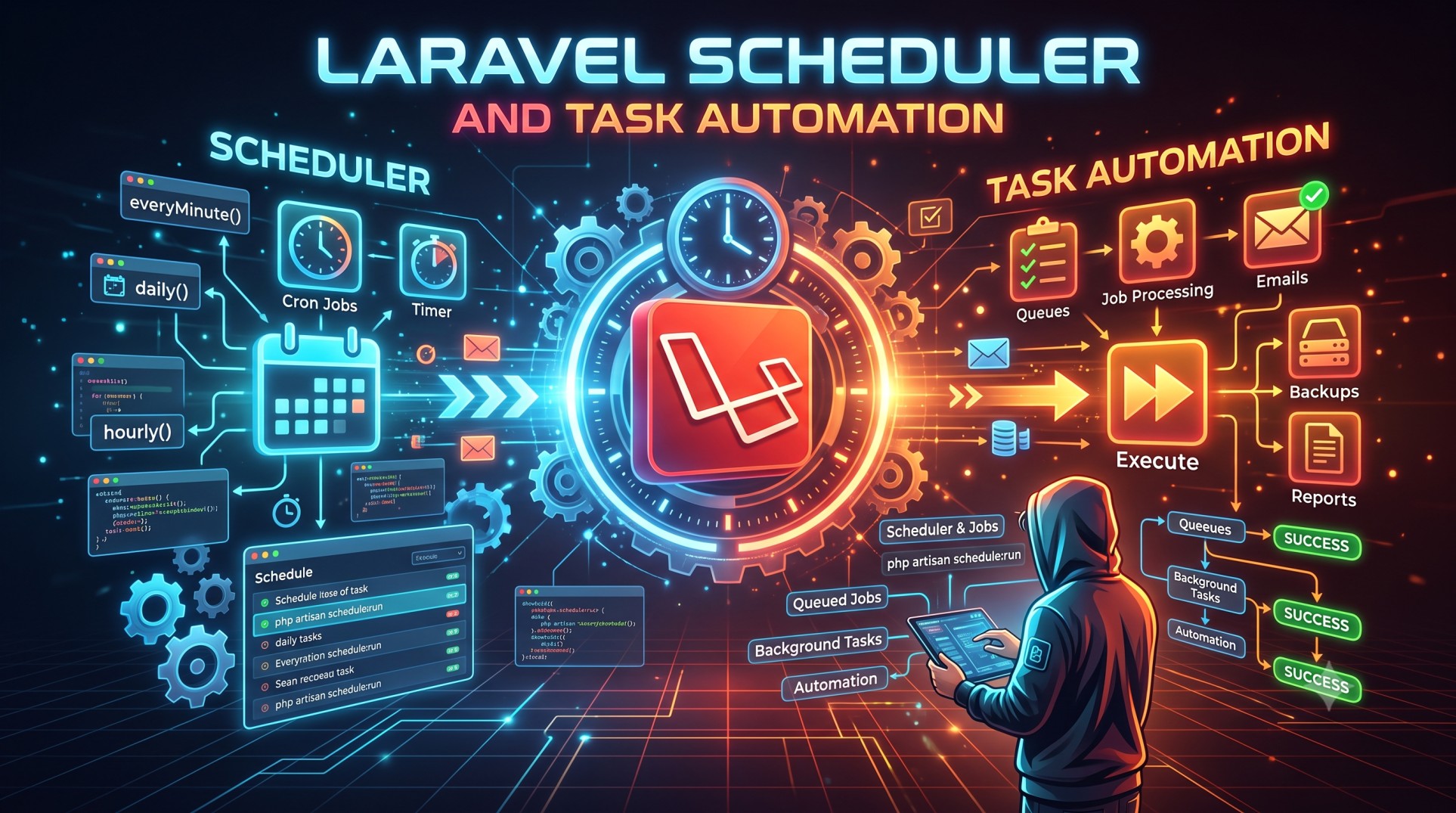
Efficient task automation is one of the most powerful ways to enhance performance and productivity in web applications. Laravel, with its built-in Task Scheduler, provides an elegant and developer-friendly way to automate repetitive jobs. Whether it’s sending daily emails, cleaning logs, syncing data, or performing database backups, Laravel’s scheduler makes everything seamless and easy to manage.
In this guide, we’ll explore how to use Laravel’s task scheduling feature, its configuration, advanced techniques, and real-world best practices to help you automate tasks efficiently and intelligently.
Understanding the Laravel Scheduler
The Laravel Scheduler allows you to manage and automate repetitive tasks from within your application. Instead of writing multiple cron entries for each task, you only need a single cron job on your server that runs the Laravel command scheduler. Laravel then takes care of executing your scheduled tasks based on the defined schedule inside your application.
This provides a centralized, expressive, and flexible way to automate actions without juggling multiple system-level scripts or crontab entries.
Why Use the Laravel Scheduler?
-
Centralized Task Management: Manage all automated jobs directly within your Laravel app.
-
Readable Syntax: Define schedules using human-readable syntax such as
daily(),hourly(), oreveryMinute(). -
Improved Maintenance: Update, disable, or add new tasks without modifying server configurations.
-
Built-in Logging: Laravel can log task output automatically for easier monitoring.
-
Error Handling: You can define what happens if a task fails, improving system reliability.
Setting Up the Laravel Scheduler
Laravel’s task scheduler is located in the app/Console/Kernel.php file, where you define all your scheduled commands.
The scheduling logic is written inside the schedule() method, where you can specify when and how often each command or job should run.
Before Laravel can execute your scheduled tasks, you need to set up a single cron job on your server.
The cron entry usually looks like this:
This means the Laravel scheduler runs every minute and checks if there are any tasks that need to be executed.
Defining Scheduled Tasks
Once your cron job is in place, defining scheduled tasks is simple. Laravel allows you to schedule different types of operations such as Artisan commands, closures, or shell commands.
1. Scheduling Artisan Commands
You can schedule any built-in or custom Artisan command. For example, if you want to clear the cache every day:
2. Scheduling Closures
You can also define inline tasks using closures for quick operations:
3. Scheduling Shell Commands
Laravel’s scheduler can even run shell commands:
This flexibility lets you integrate Laravel with other tools and automate external processes.
Scheduling Frequency Options
Laravel provides a wide range of intuitive scheduling frequencies. Some commonly used ones include:
-
->everyMinute()– Runs every minute. -
->hourly()– Runs every hour. -
->daily()– Runs once per day. -
->weekly()– Runs once per week. -
->monthly()– Runs once per month. -
->twiceDaily(1, 13)– Runs twice a day at 1 AM and 1 PM.
You can also use the cron() method to specify custom cron expressions for more precise control.
Handling Task Output and Logging
When automating critical tasks, it’s important to monitor what happens during execution. Laravel provides simple options to store task outputs in log files.
You can log the output of any task like this:
Or, if you want to append to the same file instead of overwriting it:
This makes it easy to track task performance and debug issues.
Managing Failures Gracefully
Laravel also lets you define what should happen if a scheduled task fails. You can use the onFailure() method to trigger alerts or notifications.
For example, you can send an email or Slack message if a critical job doesn’t run successfully. This ensures reliability and faster issue resolution.
Preventing Overlapping Tasks
If a task takes longer than expected to complete, overlapping executions could cause conflicts. Laravel provides a built-in solution through the withoutOverlapping() method.
This ensures that a new instance of the job doesn’t start until the previous one finishes. It’s especially useful for time-consuming or database-intensive jobs like report generation or file processing.
Task Conditions and Environment Checks
Sometimes, you may want certain tasks to run only in specific environments. For instance, you might want daily notifications to run only in production, not in your local development setup.
Laravel provides the when() and environments() methods to handle such conditional scheduling.
For example, you can restrict a task to production only:
Or, use a dynamic condition:
This gives you complete control over when and where tasks execute.
Running Tasks in the Background
If you have long-running tasks, Laravel’s scheduler allows you to run them in the background so they don’t block other processes.
You can achieve this using the runInBackground() method. It ensures your main scheduler continues executing other tasks while the heavy one runs asynchronously.
Task Notifications and Alerts
Laravel integrates seamlessly with notification channels like email, Slack, and SMS. You can configure notifications to alert you when tasks succeed, fail, or take longer than expected.
This proactive approach ensures better system reliability and quick response to potential issues.
Advanced Task Scheduling
You can go beyond basic time-based tasks and create intelligent automation workflows using advanced Laravel scheduling features.
Chained Scheduling
Chain multiple tasks together so that one executes only after another completes successfully. This is useful when one process depends on the output of another.
Dynamic Scheduling
You can dynamically determine which tasks to run based on data or system conditions — for example, syncing data only if there’s an internet connection or generating invoices only if there are pending records.
Using Queues for Heavy Tasks
For resource-intensive operations, it’s best to combine scheduling with Laravel Queues. This approach ensures tasks don’t overload your server and improves overall performance.
Real-World Use Cases
Here are some practical ways you can use Laravel’s Scheduler in real-world applications:
-
Automated Email Campaigns: Send daily newsletters or notifications to users.
-
Database Backups: Schedule daily or weekly backups automatically.
-
Report Generation: Create reports on sales, analytics, or system metrics every night.
-
Data Cleanup: Remove old files, expired sessions, or unused records regularly.
-
System Health Monitoring: Run custom scripts to check application uptime or performance.
With Laravel Scheduler, you can automate all these processes effortlessly.
Best Practices for Task Automation
-
Log Everything: Always log your tasks to track performance and failures.
-
Use Queues for Long Tasks: Don’t block your scheduler; offload heavy jobs to queues.
-
Avoid Hardcoding: Use environment variables for paths and configurations.
-
Combine with Notifications: Get real-time alerts when something fails.
-
Test Your Schedule: Run manual tests to ensure tasks execute as expected.
Following these practices ensures reliability, scalability, and maintainability of your automated systems.
Conclusion
Laravel’s Scheduler is one of the most powerful yet often underused features of the framework. It eliminates the need for complex cron setups and brings automation control directly into your application’s codebase.
By leveraging features like withoutOverlapping(), onFailure(), and runInBackground(), you can build robust and efficient automation systems that handle everything from emails to system maintenance.
Whether you’re managing small background jobs or large-scale automation tasks, mastering Laravel Scheduler can save hours of manual effort while keeping your application optimized and consistent.
If you haven’t implemented it yet, start integrating Laravel Scheduler into your projects today—it’s a productivity upgrade your application truly deserves.


