Laravel Performance Profiling with Telescope
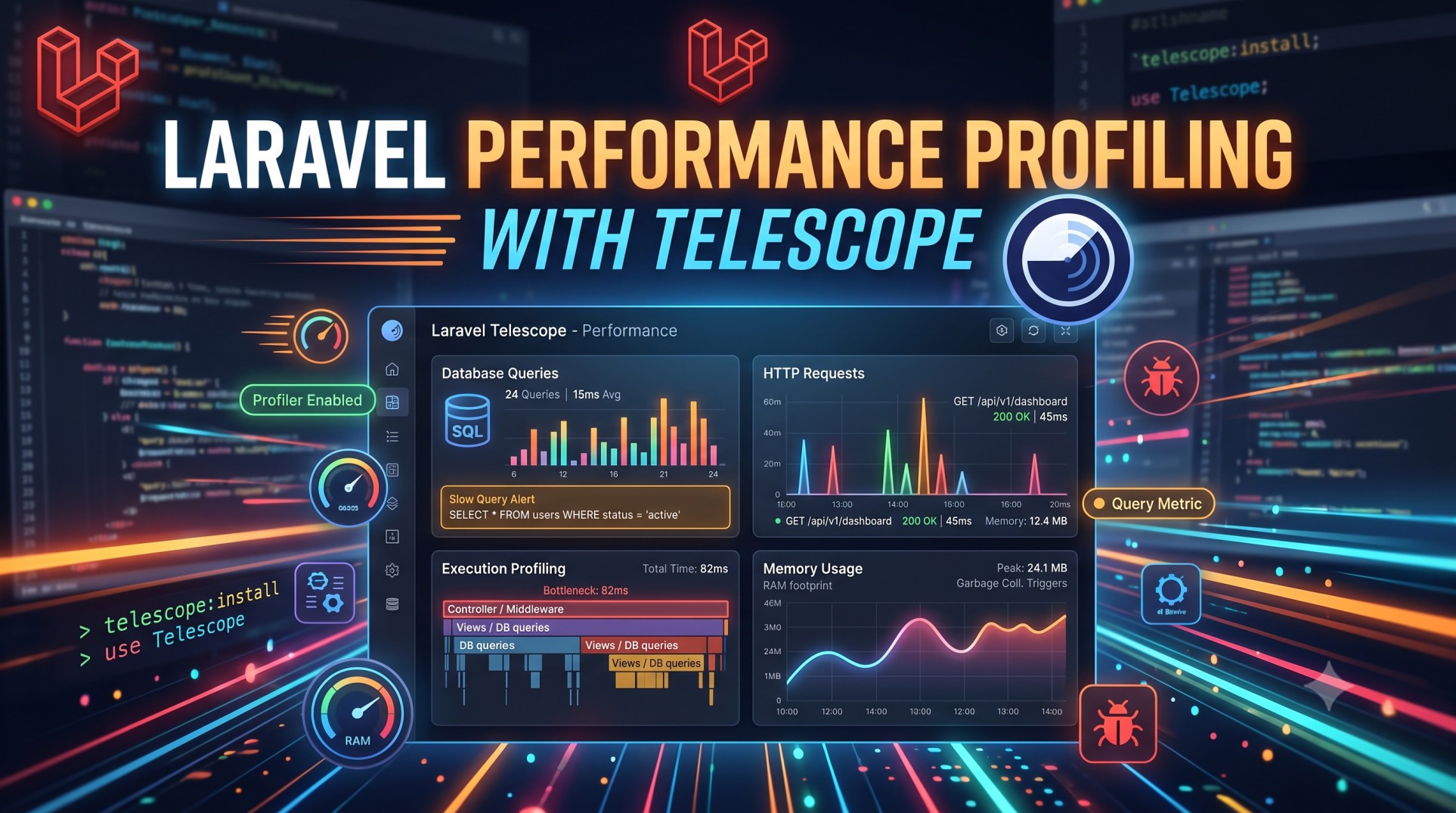
When it comes to building high-performance web applications, speed and efficiency are essential. Laravel, being one of the most popular PHP frameworks, offers several tools to monitor and optimize performance. Among them, Laravel Telescope stands out as a powerful debugging and performance profiling tool. It provides deep insights into how your application behaves, helping you identify bottlenecks, optimize queries, and debug issues effortlessly.
In this article, we’ll explore Laravel Telescope in detail, understand its features, and learn how it can be used for performance profiling to make your Laravel applications faster and more reliable.
What is Laravel Telescope?
Laravel Telescope is an official package developed by the Laravel team that serves as a real-time debugging and monitoring assistant. It acts as a visual interface where you can see everything happening inside your application—HTTP requests, queries, jobs, exceptions, cache operations, and more.
Unlike generic logging tools, Telescope is tightly integrated with Laravel’s ecosystem, which means it can access application events, Eloquent models, and queues directly. This makes it a must-have for developers looking to improve visibility and performance.
Why Performance Profiling Matters
Performance profiling involves measuring how efficiently your application handles requests, processes data, and interacts with external services. Slow performance can lead to a poor user experience, decreased conversion rates, and scalability issues.
Telescope helps you perform detailed profiling by providing:
-
Real-time insights into request performance.
-
Database query analysis for slow or duplicate queries.
-
Queue and job tracking to detect performance delays.
-
Cache monitoring to understand data retrieval efficiency.
By analyzing these metrics, developers can pinpoint problem areas and make informed optimization decisions.
Installing and Configuring Laravel Telescope
To start using Telescope, you need to install it via Composer:
Once installed, publish its configuration and migration files:
After successful installation, Telescope can be accessed from your browser at:
You can control who has access to Telescope by editing the app/Providers/TelescopeServiceProvider.php file and defining authorization logic within the gate method.
Configuration Options
Telescope’s configuration file (config/telescope.php) allows you to enable or disable watchers like queries, jobs, cache, mail, and more. You can fine-tune the storage driver, retention period, and pruning frequency for performance optimization.
Key Features for Performance Profiling
1. Request Monitoring
Telescope tracks every incoming HTTP request, showing detailed metrics such as response time, status code, route, and middleware. By analyzing this data, you can identify routes that are taking longer to process and optimize them.
For example, if certain API endpoints consistently show high response times, you might need to cache data or optimize the underlying database queries.
2. Query Profiling
One of the most powerful features of Telescope is query monitoring. It logs all database queries executed during a request, along with their duration and bindings.
This feature helps in identifying:
-
Slow queries that need optimization or indexing.
-
Duplicate queries caused by poor Eloquent relationships or N+1 problems.
-
Queries that can be replaced with eager loading or caching.
With this information, developers can refactor database interactions to reduce load time and improve scalability.
3. Job and Queue Tracking
In modern Laravel applications, background jobs are essential for handling tasks asynchronously—like sending emails, generating reports, or processing uploads. Telescope provides a dedicated Jobs tab that displays detailed information about dispatched jobs, their execution time, and any failures.
This helps detect bottlenecks in queue workers, monitor job retries, and ensure background processes run smoothly. If certain jobs take too long to complete, you can break them into smaller batches or optimize the underlying logic.
4. Cache and Redis Monitoring
Caching is a key component of application performance. Telescope monitors cache operations including hits, misses, and store interactions.
By examining these metrics, you can:
-
Identify frequently missed cache keys.
-
Fine-tune caching strategies to reduce database load.
-
Ensure your cache is being utilized effectively.
If you’re using Redis, Telescope also tracks Redis commands, allowing you to detect slow operations or inefficient patterns.
5. Exception and Error Tracking
Performance isn’t just about speed—it’s also about stability. Telescope captures all exceptions and displays them in a user-friendly interface with full stack traces.
This helps developers quickly identify recurring errors, such as memory leaks, unhandled exceptions, or missing dependencies, which can affect performance indirectly.
6. View and Event Monitoring
Laravel Telescope tracks every view rendered and event fired during a request. Monitoring views helps you identify performance-heavy templates or components.
Meanwhile, event monitoring shows you how many listeners are attached to each event and how long they take to execute. This is particularly useful when working with event-driven architectures.
7. Command and Schedule Monitoring
For applications that rely heavily on Artisan commands or scheduled tasks, Telescope can monitor their execution time and performance. If a scheduled command takes too long, you can easily spot it and optimize accordingly.
Profiling Real-Time Application Performance
Once Telescope is running, it begins collecting and displaying performance data in real time. You can use its intuitive dashboard to analyze different sections and spot inefficiencies instantly.
Here’s how you can use it effectively for profiling:
-
Run Load Tests – Simulate multiple concurrent users using tools like Apache JMeter or Laravel Dusk and observe how Telescope records performance under stress.
-
Identify Bottlenecks – Focus on slow queries, heavy API routes, or delayed background jobs.
-
Optimize and Re-Test – Refactor your code, apply caching or indexing, and run the tests again to measure improvement.
Best Practices for Using Telescope
1. Limit Telescope in Production
While Telescope is safe to use in production, it’s best to restrict access or disable it when not needed. It stores large amounts of data and may slow down your application if left running continuously.
You can disable certain watchers in production via the configuration file:
2. Use Pruning to Manage Storage
Telescope stores its data in the database by default. To avoid storage bloat, schedule automatic pruning:
This ensures that only the most recent profiling data is retained.
3. Integrate with Other Tools
For deeper analysis, you can combine Telescope with tools like Laravel Horizon (for queue monitoring) or Blackfire.io (for PHP performance profiling). This gives you a complete view of your application’s performance across different layers.
4. Enable Selective Watchers
To keep Telescope lightweight, enable only the watchers relevant to your current debugging or profiling task. Disabling unnecessary watchers reduces resource usage.
5. Secure Access with Middleware
Protect the Telescope dashboard by adding custom middleware or IP whitelisting to ensure that only authorized users can view it.
Common Performance Optimization Tips After Profiling
Once you’ve used Telescope to identify bottlenecks, you can implement these performance improvements:
-
Use Eager Loading to fix N+1 query issues.
-
Implement caching for static or semi-static data.
-
Optimize queue workers and background jobs.
-
Minimize view rendering time using compiled Blade templates.
-
Use database indexing for slow queries.
-
Enable Laravel Octane or Redis for faster request handling.
Conclusion
Laravel Telescope is a game-changer for developers who want to profile and optimize their applications with ease. Its real-time insights into queries, cache, jobs, and requests make it one of the most comprehensive performance monitoring tools in the Laravel ecosystem.
By integrating Telescope into your development workflow, you gain the power to detect bottlenecks early, streamline processes, and ensure that your Laravel application runs at peak efficiency. Whether you’re debugging issues or fine-tuning performance, Telescope gives you the visibility and control needed to build faster, more reliable, and scalable applications.


