Laravel Debugging Tools You Must Know
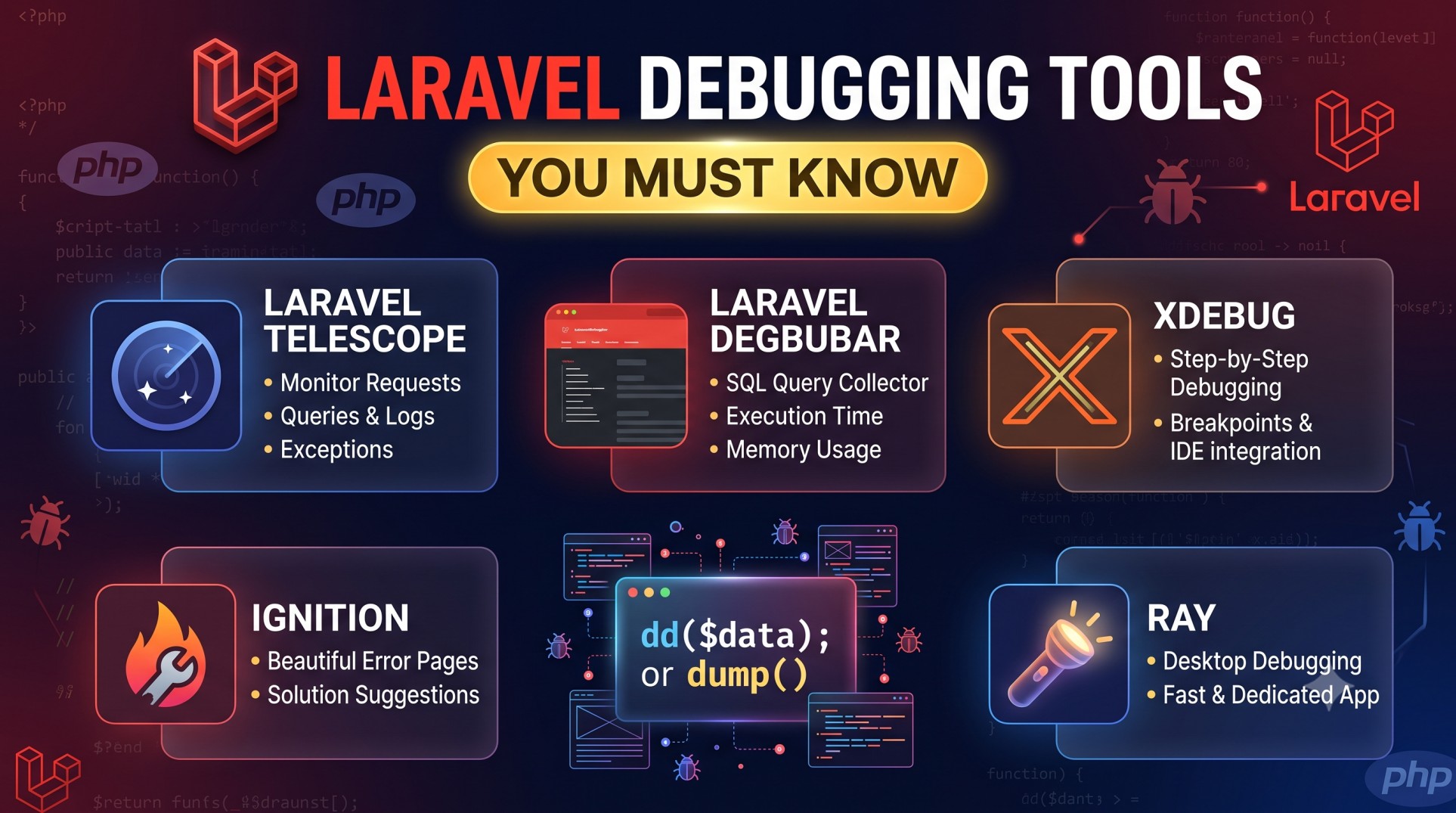
Debugging is an essential part of every developer’s workflow. Whether you’re working on a small Laravel project or a large-scale enterprise application, identifying and fixing errors quickly is crucial. Laravel provides a range of powerful debugging tools, both built-in and third-party, that make the process smoother and more efficient. In this blog, we’ll explore some of the best Laravel debugging tools you must know to improve your development efficiency and code quality.
Understanding the Importance of Debugging in Laravel
Debugging is not just about fixing bugs—it’s about understanding how your application behaves. Laravel’s expressive syntax and strong error handling mechanisms already make debugging simpler, but with the right tools, developers can go beyond error logs to identify performance bottlenecks, analyze queries, and monitor application health in real time.
Good debugging practices help in:
-
Reducing downtime and improving reliability.
-
Optimizing performance by identifying slow queries or functions.
-
Detecting hidden issues early in the development process.
-
Maintaining cleaner and more maintainable codebases.
Laravel’s Built-in Debugging Features
Laravel Error Pages
Laravel automatically displays detailed error pages during development using Whoops, which provides a clean and interactive error interface. It highlights the exact line of code where the exception occurred, along with a full stack trace and request details.
Logging System
Laravel uses the Monolog library to manage logs. You can configure different logging channels such as single, daily, syslog, or even send logs to third-party services like Slack or Papertrail. Logs help track down issues that occur in production environments.
Dump and Die (dd)
The dd() and dump() helpers are among the simplest yet most powerful debugging tools. They allow you to dump the contents of variables or objects directly onto the screen, making it easy to inspect data and stop execution when needed.
Top Laravel Debugging Tools
1. Laravel Telescope
Laravel Telescope is an official debugging assistant built by the Laravel team. It provides a real-time interface to monitor application requests, exceptions, logs, database queries, queue jobs, and more.
Key features of Laravel Telescope:
-
Tracks all HTTP requests and responses.
-
Displays exceptions with detailed stack traces.
-
Monitors scheduled tasks and queued jobs.
-
Logs all queries executed by your application.
-
Allows filtering by user, route, or tag for easier navigation.
Telescope is ideal during development because it gives a detailed insight into your app’s activity and helps catch issues before deployment.
2. Laravel Debugbar
Laravel Debugbar is one of the most popular third-party debugging packages. It integrates a PHP Debug Bar into your Laravel application, showing useful metrics in a visual toolbar at the bottom of the page.
Benefits of Laravel Debugbar include:
-
Displays route information and execution time.
-
Shows database queries and their duration.
-
Tracks memory usage and Laravel version.
-
Monitors views, events, and middleware.
-
Easily configurable and extendable.
It’s best used during local development, as it provides quick insights into what’s happening behind the scenes.
3. Clockwork
Clockwork is another excellent debugging tool that provides similar functionality to Debugbar but offers a more minimal interface. It works as a browser extension and communicates with your Laravel app through an API.
Features of Clockwork:
-
Monitors application requests and responses.
-
Tracks performance metrics and logs.
-
Displays detailed database queries and cache hits.
-
Shows custom debug information from your controllers or models.
Clockwork is lightweight and doesn’t clutter your UI, making it suitable for developers who prefer cleaner dashboards.
4. Sentry for Laravel
Sentry is a powerful error tracking and performance monitoring tool that integrates seamlessly with Laravel. It’s especially valuable for production debugging.
Advantages of using Sentry:
-
Real-time error reporting and alert notifications.
-
Aggregates and categorizes exceptions for better visibility.
-
Integrates with version control and deployment tools.
-
Monitors performance issues like slow transactions.
Sentry’s dashboard provides insights into recurring errors, allowing teams to fix them quickly before they impact users.
5. Ray by Spatie
Ray is a desktop-based debugging tool designed specifically for Laravel developers. It provides an elegant way to send debugging information to a separate app instead of cluttering the browser output.
Highlights of Ray:
-
Displays variables, arrays, or objects in a readable format.
-
Shows custom messages, colors, and timestamps.
-
Supports displaying queries, cache data, and events.
-
Integrates with Laravel, Livewire, and WordPress.
Ray is perfect for developers who prefer keeping their debugging logs away from the browser.
Performance Monitoring and Profiling
Beyond error tracking, debugging also involves understanding performance. Laravel offers several tools to measure speed and identify bottlenecks.
Laravel Telescope Performance Insights
Telescope helps identify slow queries and track execution time for various requests. You can easily detect inefficient database queries or redundant loops.
Laravel Debugbar Query Profiling
With Debugbar, you can profile each SQL query, monitor how long it takes, and pinpoint where optimizations are needed.
Laravel Horizon for Queue Debugging
If your application uses queues, Laravel Horizon provides real-time monitoring and debugging for background jobs. It helps identify failed jobs, retry issues, and monitor performance metrics for workers.
Debugging Best Practices in Laravel
1. Use Environment-Specific Configurations
Always ensure that APP_DEBUG=true is set only in local environments. Keeping it enabled in production can expose sensitive information to users.
2. Centralize Logging
Use centralized logging systems like Logstash, Papertrail, or Sentry to collect logs from multiple servers for easier analysis.
3. Avoid Excessive Debug Dumps
While dd() is helpful, overusing it can interrupt workflows. Instead, prefer structured debugging using Telescope or Ray.
4. Monitor Application Health
Set up automated monitoring tools to track your application’s uptime and performance. Laravel Vapor, Horizon, and Sentry all offer such integrations.
5. Keep Dependencies Updated
Many debugging tools receive frequent updates for better compatibility and performance. Keeping Laravel and its packages up to date ensures smoother debugging.
Conclusion
Laravel offers a rich ecosystem of debugging tools that can significantly simplify the development process. Whether you prefer real-time tracking with Telescope, visual insights with Debugbar, or production monitoring with Sentry, each tool plays a vital role in maintaining code quality and application stability.
By integrating these Laravel debugging tools into your workflow, you’ll spend less time chasing bugs and more time building robust, high-performing applications. Mastering these tools is not just about fixing issues—it’s about understanding your application deeply and making it better every step of the way.


