Implementing Advanced Authentication with Laravel Breeze
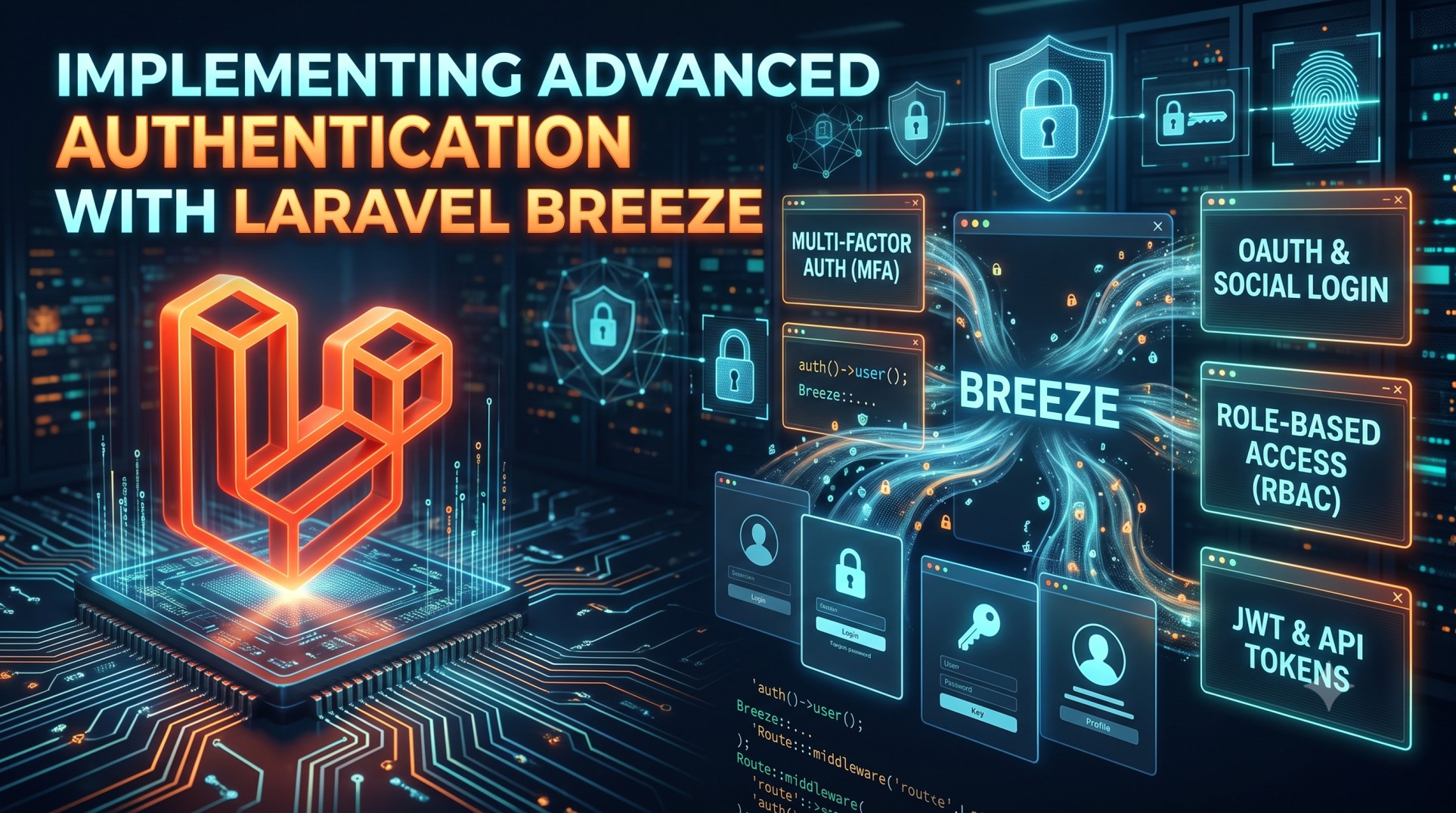
Laravel Breeze is known as the simplest authentication starter kit in the Laravel ecosystem. It provides the essential scaffolding for login, registration, password resets, and email verification — without unnecessary complexity. But what makes Breeze truly powerful is how easily it can be extended to support advanced authentication features.
In this article, we explore how to go beyond the default Breeze setup and implement secure, modern, and production-ready authentication workflows such as Two-Factor Authentication (2FA), Social Login (Google, GitHub), Role & Permission Management, and Passwordless Login.
Why Choose Laravel Breeze for Authentication?
Laravel Breeze is:
-
Lightweight – provides only what you need.
-
Flexible – easy to modify authentication logic.
-
Modern – uses Blade or Inertia with React/Vue.
-
Stable – built and supported by the Laravel core team.
Unlike Jetstream (which is feature-rich) or Fortify (which is backend-only), Breeze is the perfect middle ground: simple, clean, and highly customizable.
1. Enabling Email Verification
Email verification ensures that only valid users access your application.
Laravel Breeze includes email verification routes — you just need to enable it.
In your User model, ensure:
Then ensure:
-
Routes are enabled (
Auth::routes(['verify' => true]);) -
Blade templates are shown for pending verification
Real-world benefit: Prevents spam and fake registrations in user-driven applications.
2. Adding Two-Factor Authentication (2FA)
Two-Factor Authentication adds a second security layer by requiring verification codes from SMS, email, or authenticator apps.
Popular packages:
-
Laravel Fortify 2FA
-
Laravel Jetstream 2FA logic (can be reused)
-
Google Authenticator drivers
Why Use 2FA?
-
Protects against password leaks
-
Secures admin accounts
-
Required for compliance (finance, healthcare)
Example scenario:
A SaaS dashboard requiring admin access only after Google Authenticator confirmation.
3. Social Login Integration (Google, GitHub, Facebook)
To reduce friction during sign-up, many apps allow users to log in using their existing accounts.
Laravel Breeze integrates easily with Laravel Socialite.
Benefits:
-
Faster onboarding
-
More accurate user profile data
-
Higher conversion rates on registration flows
Use case example:
A blogging platform allows users to authenticate with GitHub or Google in one click.
4. Implementing Roles & Permissions
Authentication determines who can log in.
Authorization determines what the user can do after logging in.
The best package for permissions in Laravel is:
Spatie Laravel Permission
It allows:
-
Assigning roles (Admin, Manager, Customer)
-
Fine-grained access control (view, edit, delete content)
Real Use Case:
In an inventory management system:
-
Admin → manage all users and inventory
-
Staff → update stock
-
Viewer → read-only access
5. Adding Passwordless / Magic Link Authentication
Passwordless login improves user experience and security.
Instead of entering a password, the user receives a login link via email that logs them in instantly.
This is valuable when:
-
Users frequently forget passwords
-
Mobile login must be fast
-
Reducing friction increases user retention
Real example:
A customer portal where convenience matters more than strict login rules.
6. Session & Device Management
For security-sensitive apps, it's useful to allow users to:
-
View active login sessions
-
Logout from specific devices
-
Get alerts when a new device logs in
This reduces unauthorized account use and improves transparency.
Example use case:
Financial applications like banking dashboards require device-level tracking and session logs.
7. Rate Limiting Login & Password Reset Attempts
Laravel includes rate limiting to prevent:
-
Brute-force login attacks
-
Automated password reset abuse
Customizing throttling can add stronger protection for publicly-facing systems.
Example:
Lock account temporarily after 5 failed login attempts within 1 minute.
Conclusion
Laravel Breeze provides a clean foundation — but the real power comes from customizing it to fit your application’s security needs. Whether your project requires 2FA, enterprise-grade authorization, passwordless login, or seamless social authentication, Laravel Breeze is flexible enough to support it.
With Breeze, you get:
| Feature | Default | Advanced Options |
|---|---|---|
| Login & Register | ✅ | OAuth, Passwordless |
| Email Verification | ✅ | Device Alerts |
| Password Reset | ✅ | Time-Limited Secure Tokens |
| Authorization | Basic | Role & Permission Systems |
| Security | Good | Enterprise-Level Hardened Setup |
Breeze is minimal — so you can build exactly what your app needs.


