Building SaaS Applications with Laravel
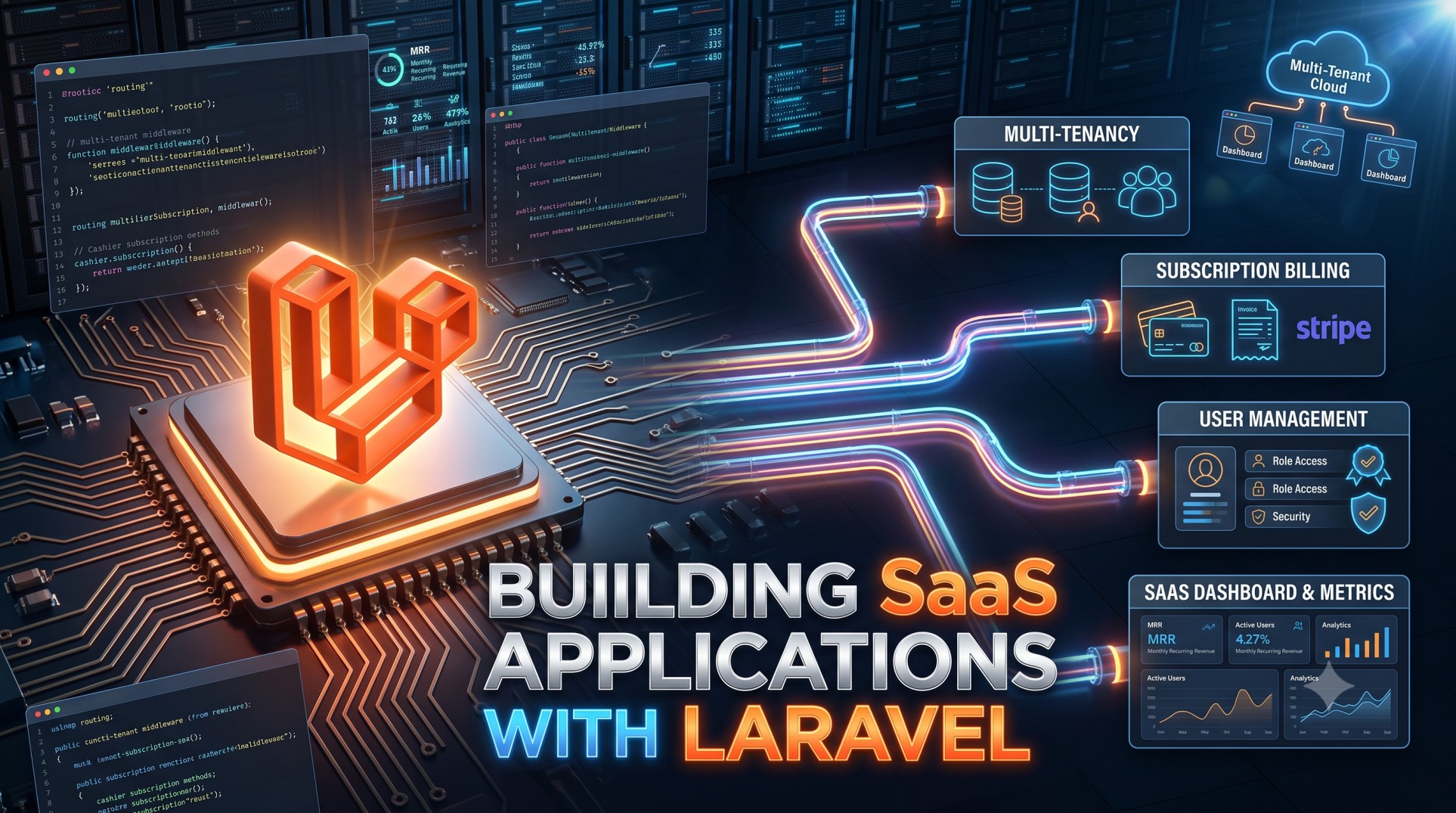
Laravel has become one of the most trusted and powerful PHP frameworks for developing modern web applications. When it comes to building Software-as-a-Service (SaaS) platforms, Laravel stands out because of its flexibility, scalability, and developer-friendly ecosystem. SaaS applications require robust user authentication, subscription management, API integrations, and scalable architecture — all of which Laravel handles efficiently.
In this article, we’ll explore how to build SaaS applications using Laravel, focusing on the essential steps, tools, and best practices to ensure performance, maintainability, and long-term success.
Understanding SaaS Applications
What is a SaaS Application?
A Software-as-a-Service (SaaS) application is a cloud-based service that provides software functionality to users via the internet. Users access the service through a browser or API, paying for it on a subscription basis. Examples include platforms like Slack, Dropbox, and Trello.
Key Characteristics of SaaS
-
Multi-tenancy (one application serving multiple users or organizations)
-
Subscription-based billing
-
Automatic updates and scalability
-
Data isolation and security
-
High availability and performance
Why Choose Laravel for SaaS Development
Laravel offers an extensive ecosystem designed for scalability and modularity, which perfectly aligns with the needs of SaaS products.
1. Elegant Syntax and Rapid Development
Laravel’s expressive syntax enables developers to write clean, maintainable code quickly. Features like Eloquent ORM, Blade templates, and dependency injection streamline the development process.
2. Built-in Authentication and Authorization
SaaS applications need secure user management. Laravel provides out-of-the-box authentication scaffolding via Laravel Breeze, Jetstream, or Fortify, which supports login, registration, and password reset functionalities.
3. Scalable Architecture
Laravel’s modular design and service container make it ideal for scaling applications as your customer base grows. Its queue system and caching layers help handle large workloads efficiently.
4. Ecosystem and Community Support
The Laravel ecosystem includes tools like Horizon, Telescope, and Forge that simplify monitoring, deployment, and server management — essential for maintaining a stable SaaS environment.
Core Components of a SaaS Application in Laravel
1. Multi-Tenancy Architecture
Multi-tenancy is the backbone of any SaaS application. Laravel allows you to structure it in two main ways:
-
Single Database, Shared Schema: All tenants’ data are stored in one database, distinguished by tenant IDs.
-
Multiple Databases, One per Tenant: Each tenant has its own database, providing better isolation and scalability.
Libraries such as tenancy/tenancy or stancl/tenancy help implement these architectures with minimal effort.
2. Authentication and User Management
Laravel provides flexible authentication systems through Laravel Jetstream or Breeze, including email verification and two-factor authentication. For enterprise SaaS products, integrating OAuth2 or SSO (Single Sign-On) via Laravel Passport or Socialite can enhance user experience.
3. Subscription and Billing Management
SaaS businesses rely on recurring payments. Laravel offers Cashier, a built-in package that integrates with Stripe or Paddle to handle subscription billing, trial periods, invoices, and payment retries seamlessly.
4. Role-Based Access Control (RBAC)
For managing user permissions across teams or organizations, you can implement spatie/laravel-permission, which provides roles, permissions, and policies to restrict access based on user roles (like Admin, Manager, or Member).
5. API-First Approach
Modern SaaS applications often need APIs for integrations. Laravel’s built-in API resources and Sanctum (for token-based authentication) simplify API development while maintaining security and scalability.
Steps to Build a SaaS Application with Laravel
Step 1: Set Up the Laravel Environment
Begin with a clean Laravel installation and configure your environment with .env for database, caching, and mail setup. Laravel Sail or Homestead can help with local development.
Step 2: Design the Database Schema
Plan your database to support multi-tenancy and scalability. Include tables for users, companies, subscriptions, roles, and invoices.
Step 3: Implement Authentication and Registration
Use Laravel Jetstream or Breeze for authentication scaffolding. Customize registration to include company or organization details if your SaaS is team-based.
Step 4: Add Subscription Management
Integrate Laravel Cashier to handle billing and subscriptions. Define different pricing tiers and ensure automatic billing renewal or cancellation workflows.
Step 5: Build Core Features
Each SaaS has unique modules — task management, analytics, communication tools, etc. Use Laravel’s modular structure to separate these into services or modules for better maintenance.
Step 6: Implement Multi-Tenancy Logic
Use the Stancl Tenancy package to isolate data per tenant. Configure routes, middleware, and models to dynamically switch between tenants based on subdomain or domain.
Step 7: Add API Support
Implement RESTful APIs for integration with third-party applications. Use Laravel Sanctum for token management to authenticate API requests securely.
Step 8: Set Up Notifications and Emails
Leverage Laravel Notifications to send system alerts, onboarding emails, or billing reminders via email, SMS, or Slack.
Step 9: Testing and Deployment
Before deploying, write feature and unit tests to ensure application stability. Use Laravel Forge or Envoyer for seamless deployment and zero-downtime updates.
Best Practices for SaaS Development in Laravel
1. Keep the Code Modular
Divide your SaaS logic into modules or service classes to improve readability and maintainability.
2. Optimize for Performance
Utilize caching (Redis or Memcached), queues, and job dispatchers to handle background processes and improve response time.
3. Ensure Data Security
Implement SSL, encrypt sensitive data, and follow GDPR or compliance standards if applicable. Always validate input and sanitize outputs.
4. Monitor and Log Effectively
Use Laravel Telescope for debugging and Laravel Horizon to manage queues. Centralized logging with tools like Sentry can help monitor errors and performance metrics.
5. Regular Backups and Updates
Automate backups using Spatie Backup and keep Laravel dependencies up-to-date to protect against vulnerabilities.
Common Challenges in SaaS Development
Handling Multi-Tenancy
Managing tenant isolation and migrations can be complex. Use proven Laravel packages and carefully plan your architecture before coding.
Scaling and Load Balancing
As your SaaS grows, you’ll need to implement horizontal scaling and load balancing. Laravel integrates well with AWS, DigitalOcean, and Kubernetes environments.
Managing Payments and Subscriptions
Payment failures or dunning management require careful handling. Laravel Cashier simplifies much of this but still needs custom logic for edge cases.
Conclusion
Building a SaaS application with Laravel combines the power of a robust PHP framework with modern scalability and flexibility. From authentication and billing to API management and multi-tenancy, Laravel provides everything needed to create secure, scalable, and feature-rich SaaS products.
By following best practices in architecture, testing, and deployment, you can create a maintainable and future-ready SaaS platform. Laravel’s ecosystem continues to evolve, ensuring developers have access to powerful tools that make SaaS development faster, easier, and more efficient than ever before.


