Building Multi-Language Websites in Laravel
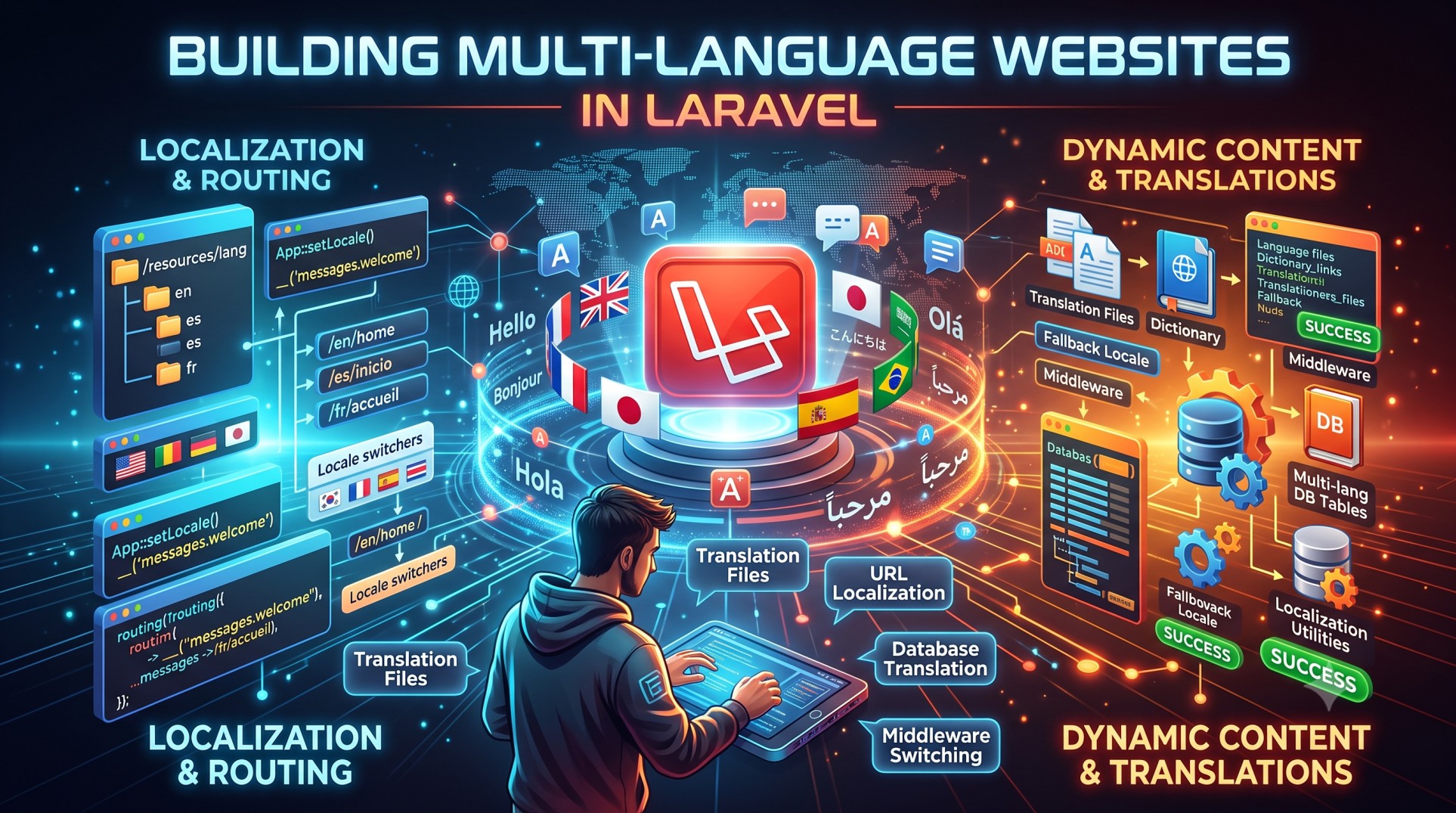
In today’s global digital landscape, a website that supports multiple languages is not a luxury but a necessity. Businesses expanding into international markets must deliver content in users’ preferred languages to build trust and engagement. Laravel, one of the most popular PHP frameworks, provides a clean and efficient way to implement multilingual functionality through its built-in localization features.
This guide will walk you through the key steps to build a multi-language website in Laravel — from setting up translations to managing user preferences and optimizing your site for SEO.
Understanding Localization in Laravel
Localization, often abbreviated as l10n, refers to adapting your application to support different languages and regional formats. Laravel offers robust localization support through language files stored in the resources/lang directory. Each supported language has its own folder containing translation files. For example, if you support English and French, you might have:
-
resources/lang/en/messages.php -
resources/lang/fr/messages.php
These files store translated strings that Laravel can easily reference throughout your application.
Setting Up Translation Files
To begin, create a new folder inside resources/lang for each language you want to support. Inside each folder, you’ll place PHP files that return associative arrays containing translated text.
For example, resources/lang/en/messages.php might hold English strings such as “Welcome to our website,” while resources/lang/fr/messages.php contains “Bienvenue sur notre site Web.”
Each key acts as an identifier that Laravel uses to fetch the appropriate translation dynamically, depending on the user’s selected language.
Displaying Translations in Blade Views
Laravel provides convenient helpers for displaying translated strings inside Blade templates. You can use the __() function or the @lang directive to output localized content.
For example, if your language file contains a key called welcome, simply write {{ __('messages.welcome') }} in your Blade view. Laravel automatically displays the translation based on the active locale.
Changing the Application Language
You can change the application’s active language dynamically by using Laravel’s App::setLocale() method. This can be triggered when a user selects a language from a dropdown or menu.
You can also store the selected language in the session to remember the user’s preference. This way, whenever they revisit your website, Laravel automatically loads the correct language.
Using Middleware to Persist the Selected Language
To ensure the correct locale is always applied, even after page reloads, it’s best to use middleware. Middleware runs before every HTTP request and can set the application’s locale based on the session data.
Once created, this middleware can be registered in the Kernel.php file so that it’s applied automatically for every web route. This ensures a seamless multilingual browsing experience for your users.
Creating a Language Switcher
A good user experience includes a simple way for visitors to switch between languages. This can be done by placing a language switcher in the navigation bar or footer.
The language switcher typically consists of links or dropdown options for each supported language. When a user selects a new language, Laravel updates the session locale and reloads the page with the new translations.
Translating Validation and Error Messages
To provide a complete multilingual experience, you should also translate system messages such as validation errors, form labels, and notifications. Laravel includes default translation files for many common languages.
You can find and modify these files in the resources/lang/{locale}/validation.php directory. Customizing these translations ensures your entire site feels natural and consistent across all supported languages.
Translating Routes and URLs
If you want users to see localized URLs (for example, /fr/contact instead of /contact), you can use third-party packages like mcamara/laravel-localization. This tool adds language prefixes to routes and automatically handles redirects, ensuring both users and search engines understand the structure of your multilingual site.
Localized URLs not only improve user experience but also help search engines index each version of your site correctly, improving your international SEO visibility.
Working with JSON Translation Files
Laravel also supports JSON translation files, which provide a simpler alternative for managing translations without array keys. JSON files are especially useful for dynamic content such as user-generated text or long phrases.
Each JSON file is named according to its locale (for example, resources/lang/en.json or resources/lang/fr.json). This structure allows you to easily add or modify translations without worrying about nested arrays.
Optimizing Multi-Language Sites for SEO
A multilingual website can boost your search visibility across different regions, but only if optimized properly. To get the most out of your Laravel multilingual setup, keep these SEO tips in mind:
-
Use the
hreflangattribute in your page headers to indicate language and regional targeting to search engines. -
Create language-specific URLs such as
/en/homeor/es/hometo help Google index localized pages. -
Ensure each translated version of your content is unique to avoid duplicate content penalties.
-
Translate meta titles, descriptions, and image alt tags for every supported language.
By following these practices, your website can attract more organic traffic from users around the world.
Managing Translations Efficiently
When your website supports many languages, managing translation files manually can become challenging. Laravel makes this process easier through several strategies:
-
Use version control for translation files so that changes can be tracked and rolled back.
-
Collaborate with translators using online tools like Crowdin, POEditor, or Lokalise.
-
Automate updates with scripts that sync translation files from external platforms.
These practices save time and reduce the risk of missing or inconsistent translations across your website.
Handling Right-to-Left (RTL) Languages
If your website supports right-to-left languages like Arabic or Hebrew, you’ll need to adjust the layout and styling accordingly. Laravel Blade templates can dynamically load different CSS files based on the current locale.
Make sure to also test your design thoroughly to ensure readability, proper alignment, and consistent formatting for all languages.
Testing and Debugging Your Localization Setup
After implementing localization, it’s essential to test your website thoroughly. Switch between all available languages to verify that:
-
Translations load correctly on every page.
-
Validation and system messages are localized.
-
The layout adapts properly for different text lengths.
Debugging can be done easily using Laravel’s built-in logging and debugging tools such as Telescope, which lets you confirm which locale is active and what translation files are being used.
Real-World Benefits of Multilingual Websites
Offering a multi-language website isn’t just a technical improvement — it directly impacts user engagement, conversion rates, and trust. A localized website:
-
Increases user retention by making content more accessible.
-
Improves credibility in international markets.
-
Boosts sales and conversions by appealing to a broader audience.
-
Enhances SEO performance in local search results.
For businesses, it’s a long-term investment that opens doors to new markets and audiences.
Conclusion
Building a multi-language website in Laravel is a powerful way to connect with users worldwide. With Laravel’s localization features, implementing and managing translations is straightforward, scalable, and efficient.
By setting up translation files, using middleware for language persistence, and optimizing for multilingual SEO, you can create a seamless user experience that feels native in every supported language.
Laravel’s flexibility allows you to expand globally without sacrificing performance or maintainability — making it one of the best choices for developers who want to build inclusive, internationally ready web applications.


