Building a PHP CLI App from Scratch
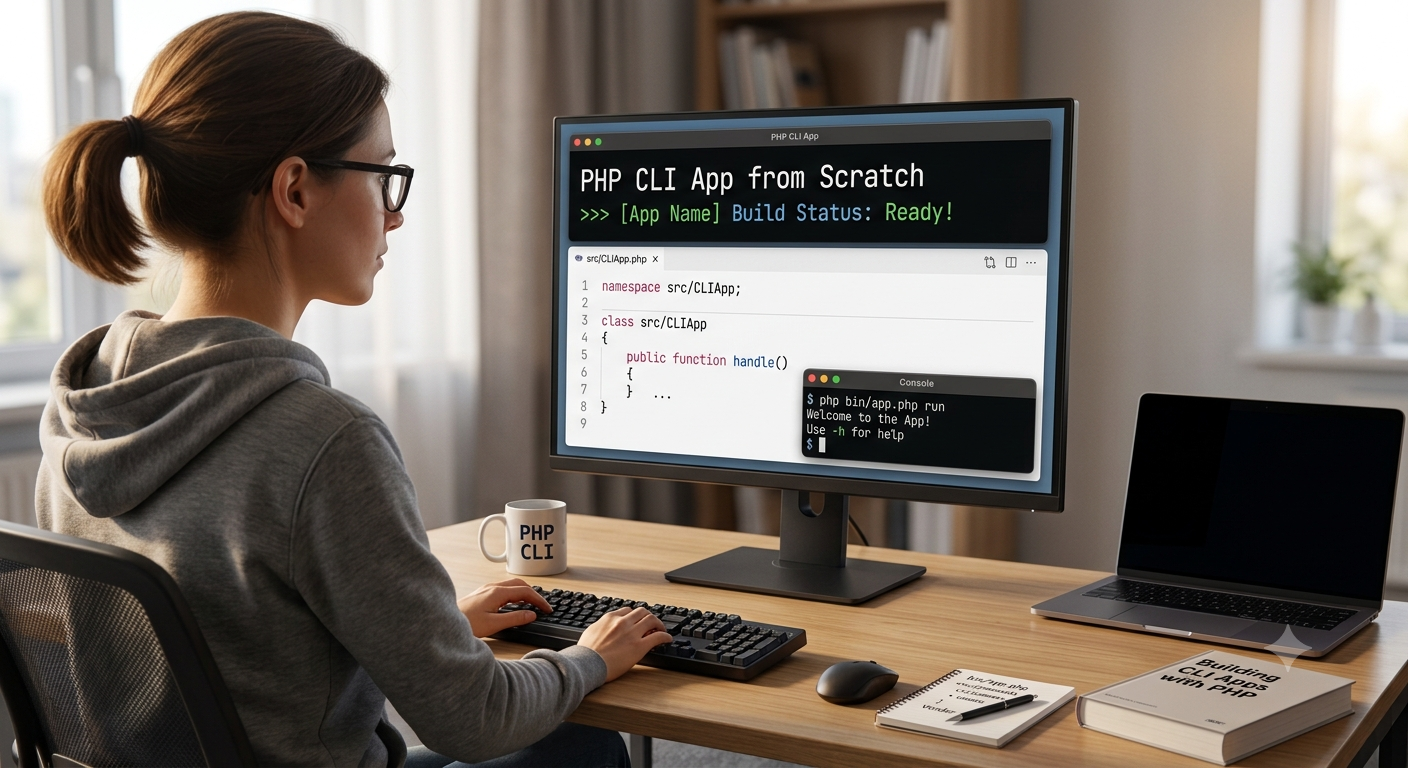
PHP is traditionally known as a language for building web applications, particularly server-rendered pages and APIs. However, PHP is also capable of running scripts from the command line, making it a powerful tool for automation, batch processing, data handling, and development workflows. Command Line Interface (CLI) PHP applications allow developers to automate repetitive tasks, process data offline, interact with external APIs, manage databases, or even create full developer tools.
Building a PHP CLI application from scratch offers developers flexibility and control, helping them understand how to structure logic, handle input, manage arguments, and create clear interactions through the terminal. This blog will guide you through the core concepts and strategies behind designing a CLI application using PHP — without relying on frameworks or external tools.
Understanding What a PHP CLI App Is
A PHP CLI application is a script executed directly from the command line environment (terminal) rather than through a web server. Instead of responding to HTTP requests, PHP reads input from the user or passed arguments and outputs text directly onto the terminal.
Common examples of CLI apps include:
-
Scripts that back up databases
-
Tools that manage application configurations
-
Bulk data processing utilities
-
Automated cron job workers
-
API data synchronization tools
These applications usually run on local machines or servers in non-interactive or scheduled environments.
Why Build a CLI Application in PHP?
1. Reusability of Existing Skills
Developers familiar with PHP can immediately build CLI tools without learning a new language.
2. Easy Deployment
Since PHP is widely installed on servers, CLI applications can often run right away without special setup.
3. Ideal for Automation
Tasks such as clearing caches, running migrations, generating reports, or processing logs are easier to automate from the command line.
4. Lightweight
A CLI app does not require a web server, making it efficient and resource-friendly.
Core Components of a PHP CLI Application
| Component | Purpose |
|---|---|
| Entry Script | The file users run to execute the application. |
| Argument and Option Parsing | Reads input passed from the command line. |
| Command Handling Logic | Executes functionality based on commands. |
| Input and Output Handling | Displays results and collects user feedback. |
| Error and Exception Management | Ensures clear and helpful failure messages. |
Understanding these layers helps in designing a CLI app that is both usable and maintainable.
Executing PHP Scripts in the Terminal
PHP can run a script directly with:
To make a file behave like a native executable, it needs:
-
A proper environment directive (shebang line)
-
Execute permissions
This allows for running it like:
This provides a smooth user experience similar to system tools.
Handling Input in CLI Applications
CLI apps typically receive input in three ways:
1. Arguments
These are values passed after the script name:
2. Options / Flags
These modify how the command behaves:
3. Interactive Prompts
When the script asks the user questions during execution:
Managing input clearly helps avoid confusion and errors.
Structuring the Application
Although simple CLI apps may be contained in a single file, larger applications benefit from a clean structure. A recommended layout:
This separation allows commands, utility functions, and reusable logic to stay organized, making the system scalable.
Designing Commands
A command represents an action the CLI app performs. Each command should:
-
Have a clear purpose
-
Accept relevant arguments and options
-
Output meaningful messages to the user
Example commands:
-
import-data -
clear-cache -
sync-orders -
backup-database
Commands should be predictable and named consistently.
Working with Output
CLI apps rely entirely on text output, so formatting matters. Good CLI tools:
-
Use clear success and error messages
-
Show progress or completion status
-
Avoid overwhelming the user with unnecessary logs
Organizing output improves usability.
Error Handling and Logging
Errors in CLI apps should be explicit and informative. Examples include:
-
Missing required arguments
-
Invalid option values
-
Permission or access failures
Instead of failing silently, CLI apps should:
-
Display meaningful error messages
-
Log details for diagnosis
-
Exit with a non-zero status code to indicate failure
This ensures that automation systems, cron jobs, and pipelines can detect issues.
Improving User Experience in CLI Tools
1. Provide Help and Usage Instructions
A --help or -h flag improves usability by explaining:
-
Available commands
-
Accepted arguments
-
Examples of usage
2. Use Colors and Formatting
Terminal color codes can highlight:
-
Success messages (green)
-
Warnings (yellow)
-
Errors (red)
This makes output easier to understand.
3. Offer Default Behavior
Where possible, avoid requiring unnecessary flags or parameters.
Testing and Debugging CLI Applications
Testing CLI applications involves:
-
Running scripts with different inputs
-
Ensuring valid handling of missing arguments
-
Mocking data sources
-
Verifying output formatting
Automated tests can simulate command-line execution, ensuring reliability across environments.
Popular Enhancements and Tools
While building from scratch teaches fundamentals, PHP also offers tools that simplify CLI app development:
| Tool | Purpose |
|---|---|
| Symfony Console | A robust toolkit for building structured CLI apps. |
| Laravel Artisan | CLI system bundled with Laravel framework. |
| Composer Scripts | Lightweight command automation system. |
These can be adopted later once the basics are understood.
Conclusion
Building a CLI application in PHP from scratch allows developers to expand beyond traditional web programming and unlock powerful automation capabilities. PHP's flexibility, combined with a structured approach to input handling, command routing, and output formatting, provides an efficient path to creating tools that enhance development workflows and system reliability.
Whether you are automating database tasks, processing data, writing internal utility tools, or managing server tasks, CLI apps can dramatically improve efficiency and consistency. With thoughtful design and best practices, PHP can serve not just the web — but the command line too.


